
Managing School Privacy and Student Access Settings
Edited
School administrators can review school data and available student access settings from the Privacy tab.
To access these settings:
Go to Admin.
Select Privacy.
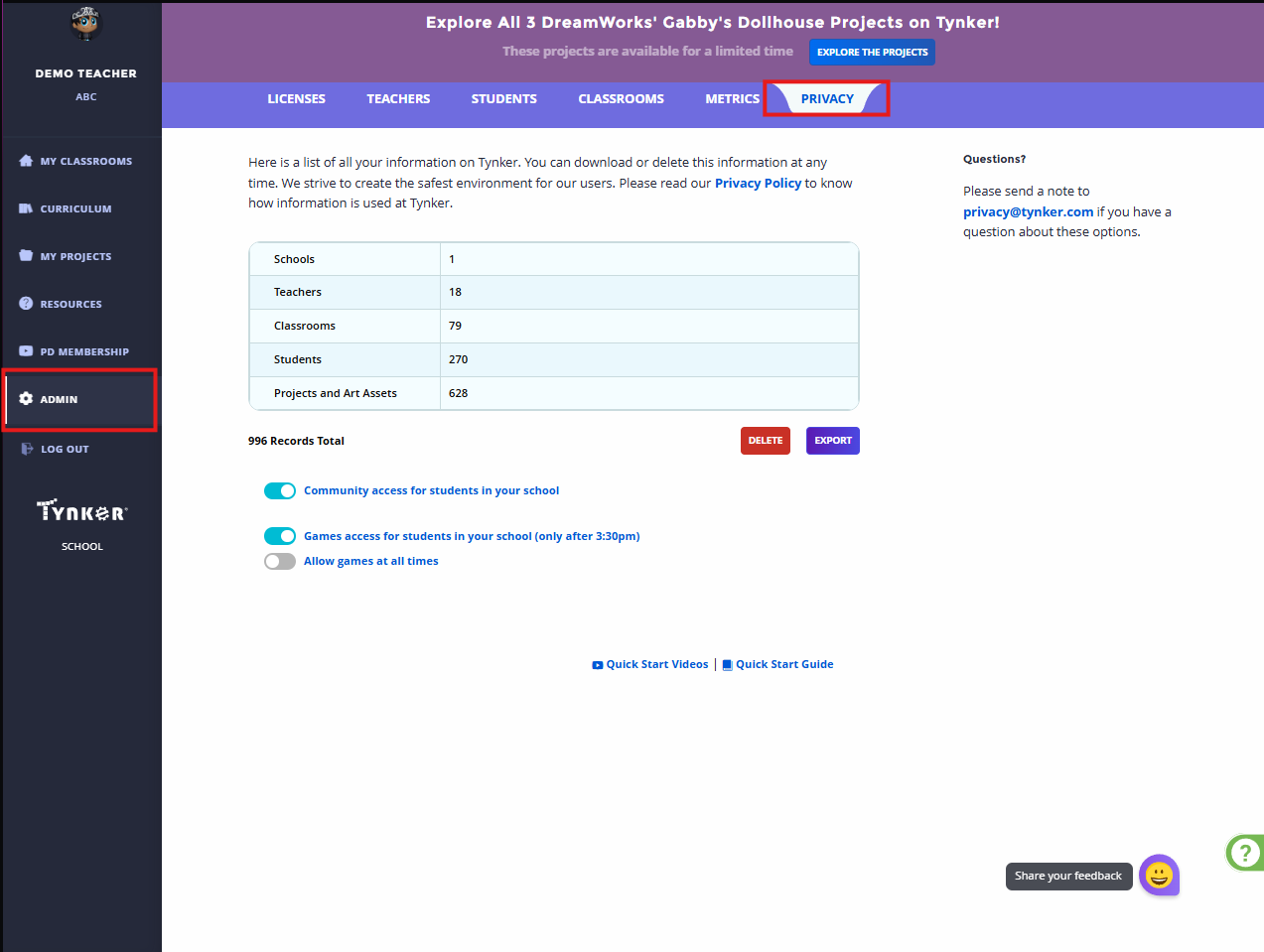
The page displays a summary of information associated with your school, which may include teachers, classrooms, students, projects, and art assets.
Depending on your account permissions, you may also see options to:
Export school information
Request or manage data deletion
Enable or disable student Community access
Manage student access to games
How the School-Wide Games Access Toggle works?
For questions about privacy or data management, contact Tynker Support for Schools for assistance.