Classroom Overview
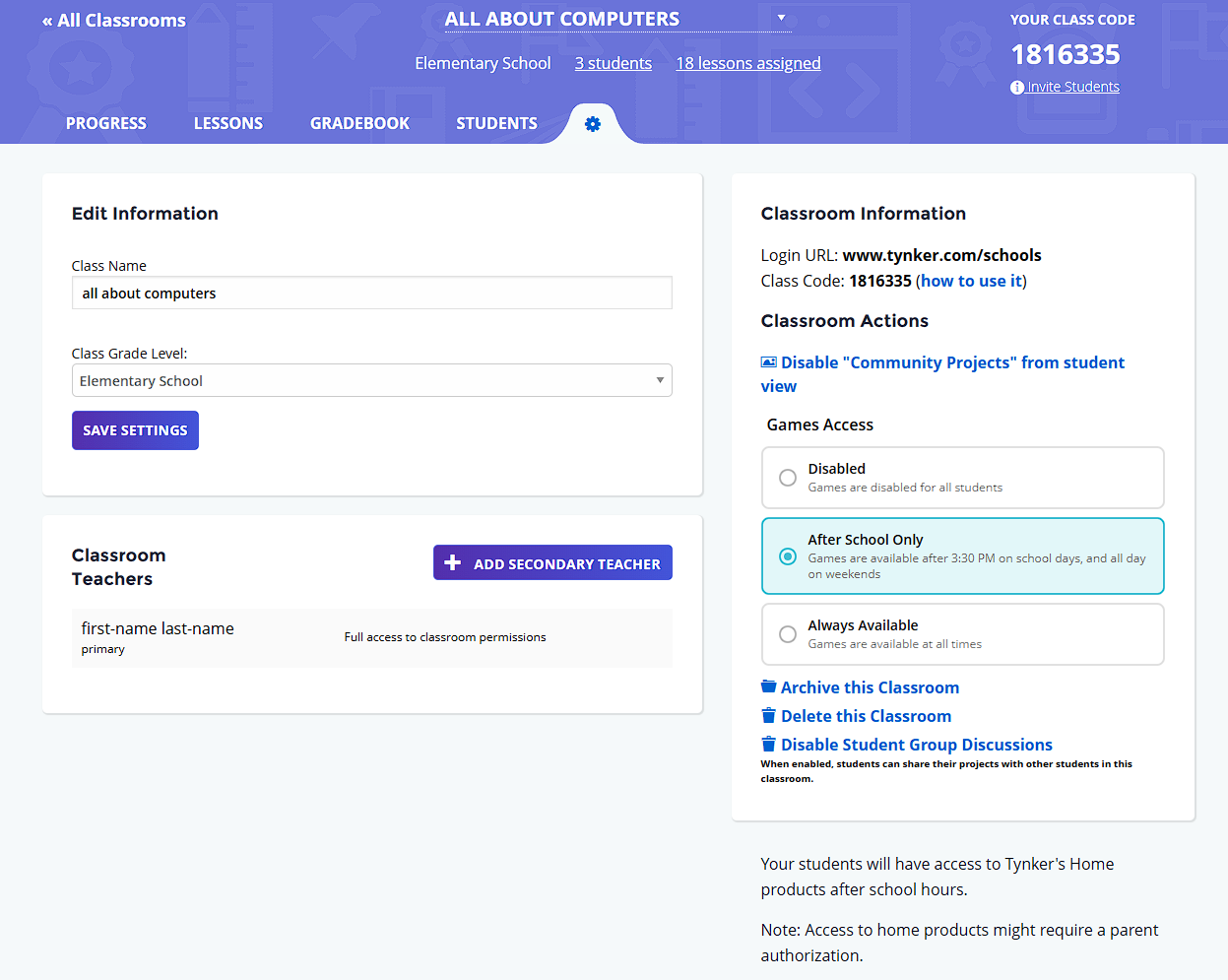
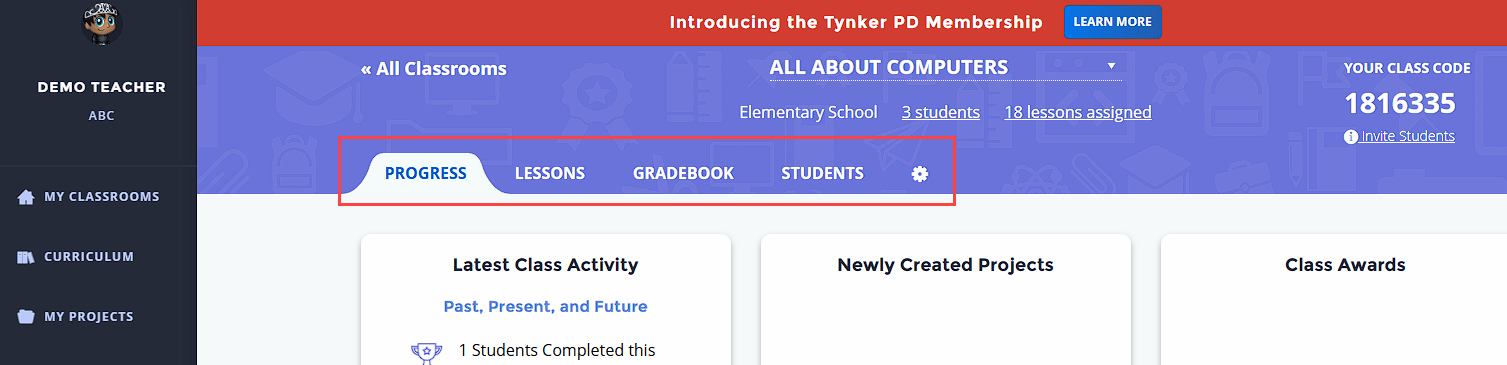
Every Tynker classroom has a handy navigation at the top that allows teachers to manage various aspects of their classroom such as assigning courses, tracking progress, and checking grades. The navigation is organized into 5 sections: Progress, Lessons, Gradebook, Students, and Settings.
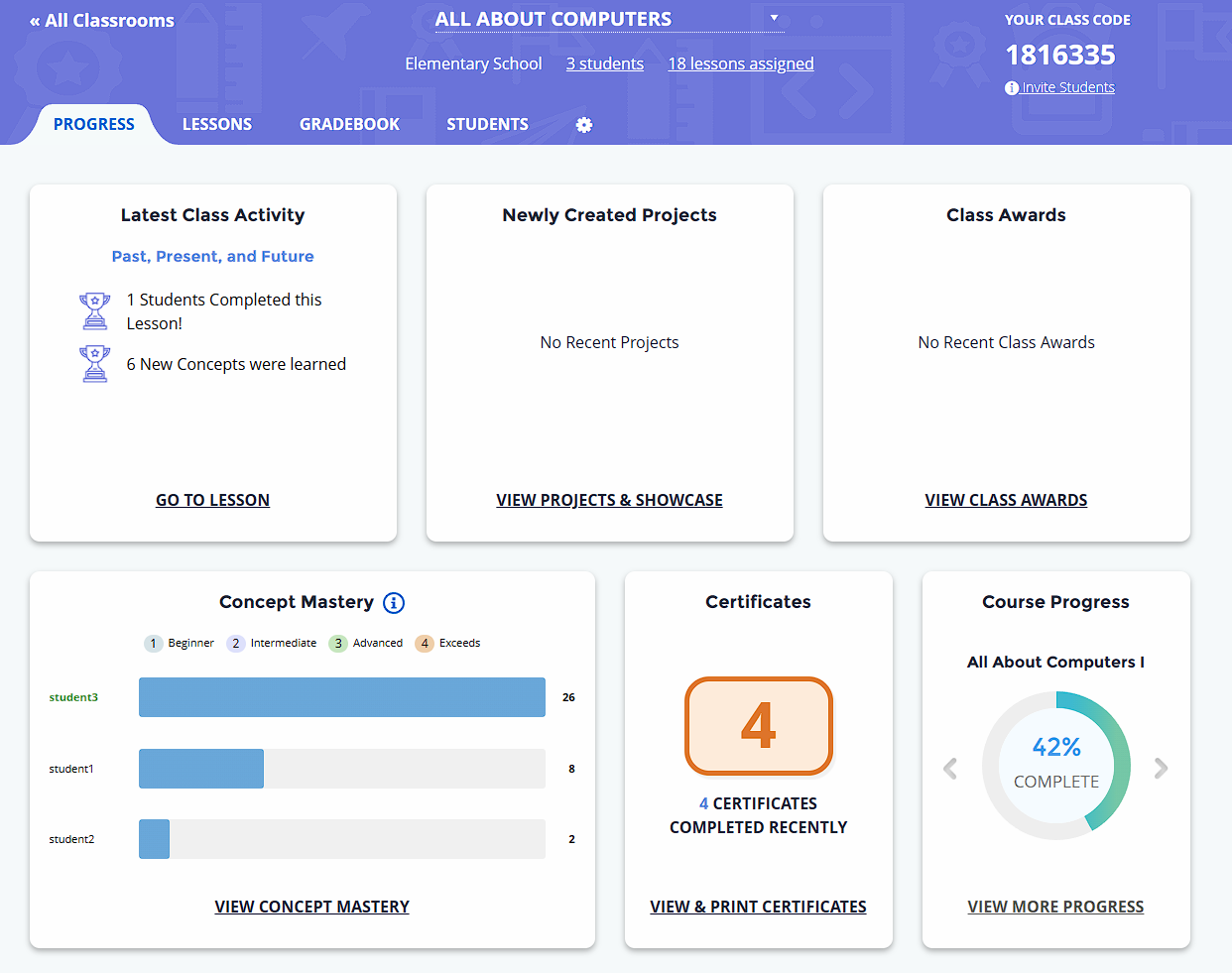
Progress
The Progress section gives teachers a summary at a glance, showing latest activities, projects, and concept mastery, as well as earned awards and certificates.
Lessons
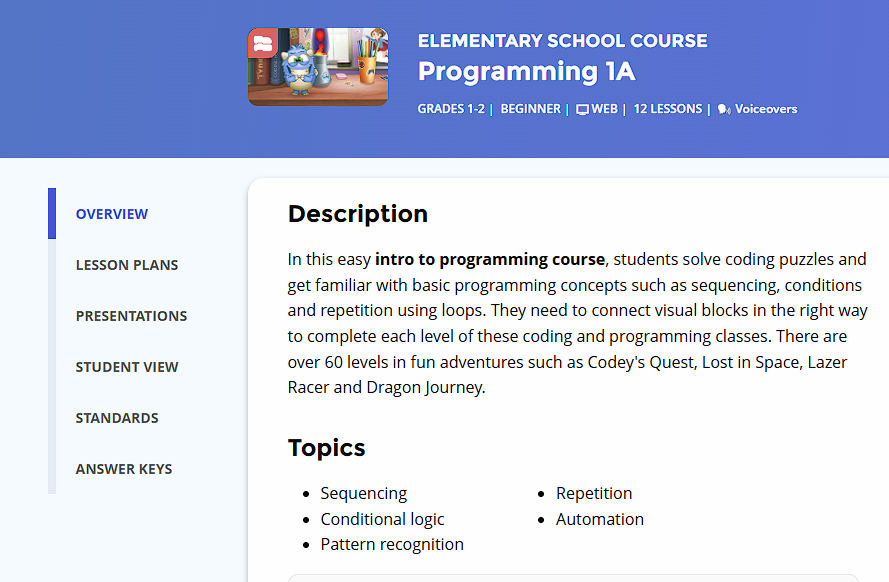
The Lessons section lets teachers browse various course content, and is where courses/activities can be assigned/unassigned.
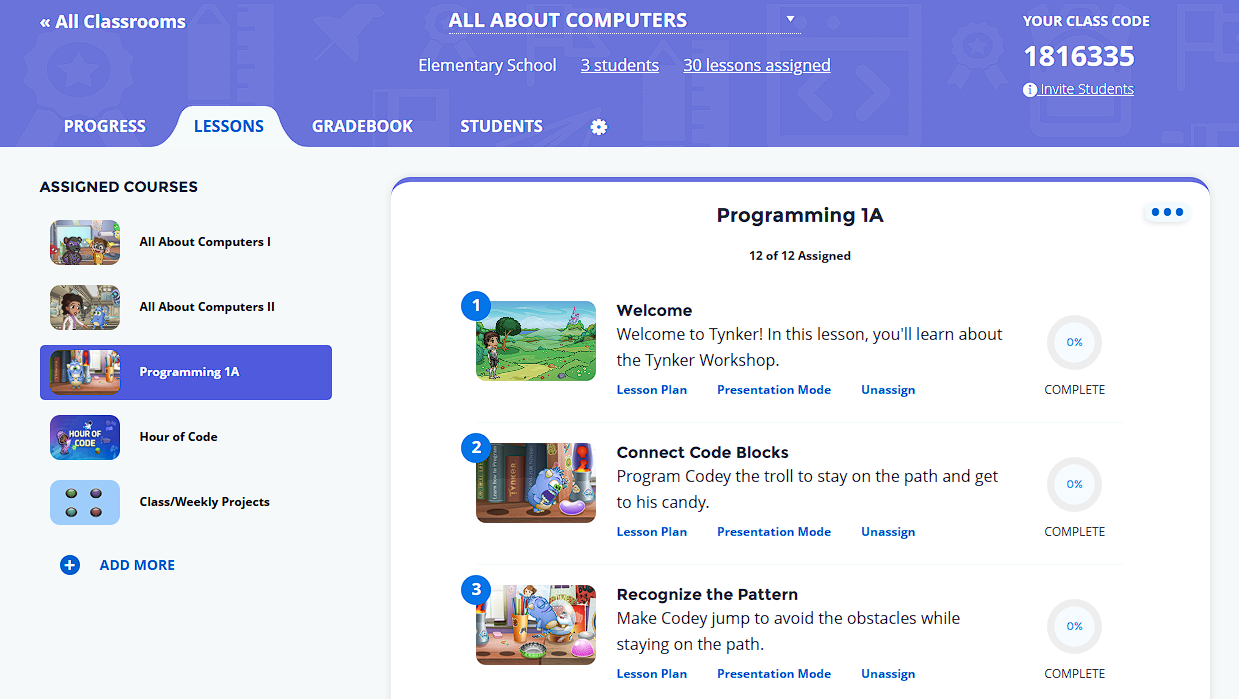
Clicking into a particular module brings up useful tools for teaching the lesson, including lesson plans, presentation mode, and answer keys.
Gradebook
The Gradebook lets the teacher track lesson progress and various performance metrics
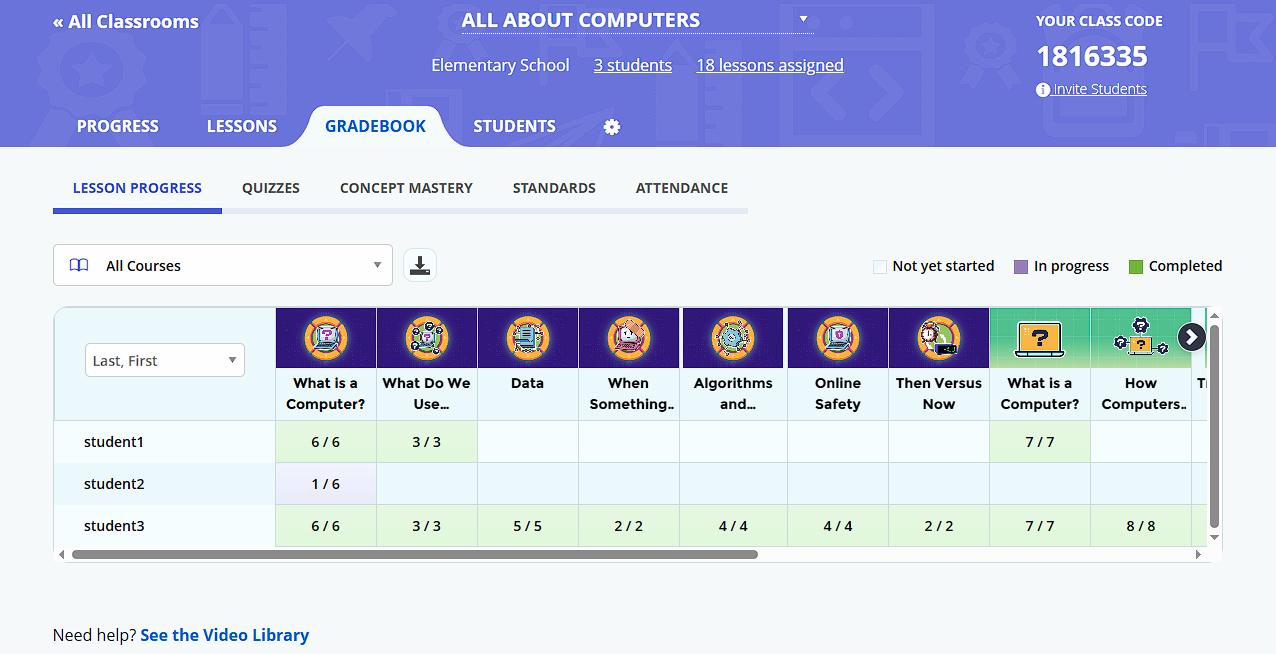
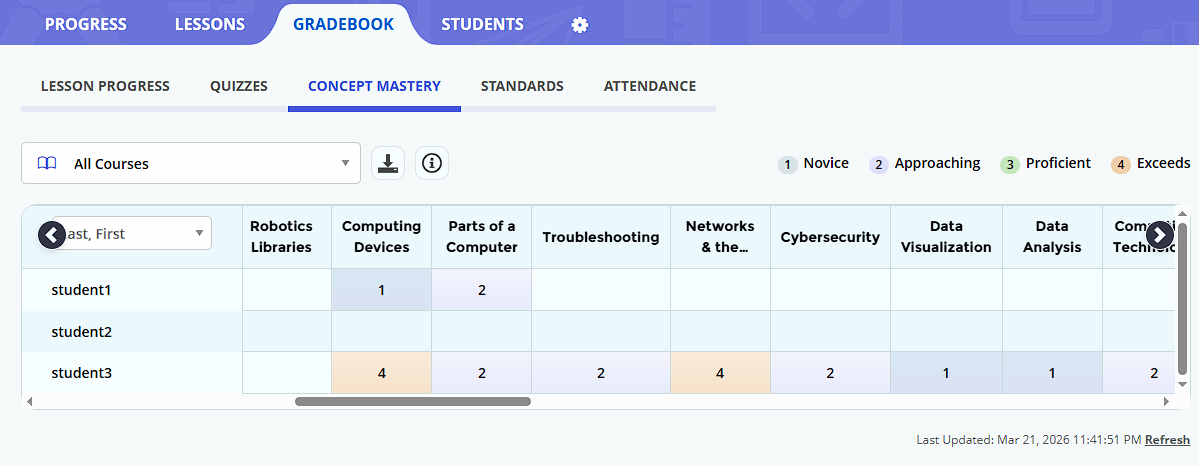
For a closer look at the Gradebook, see article Gradebook Overview.
Students
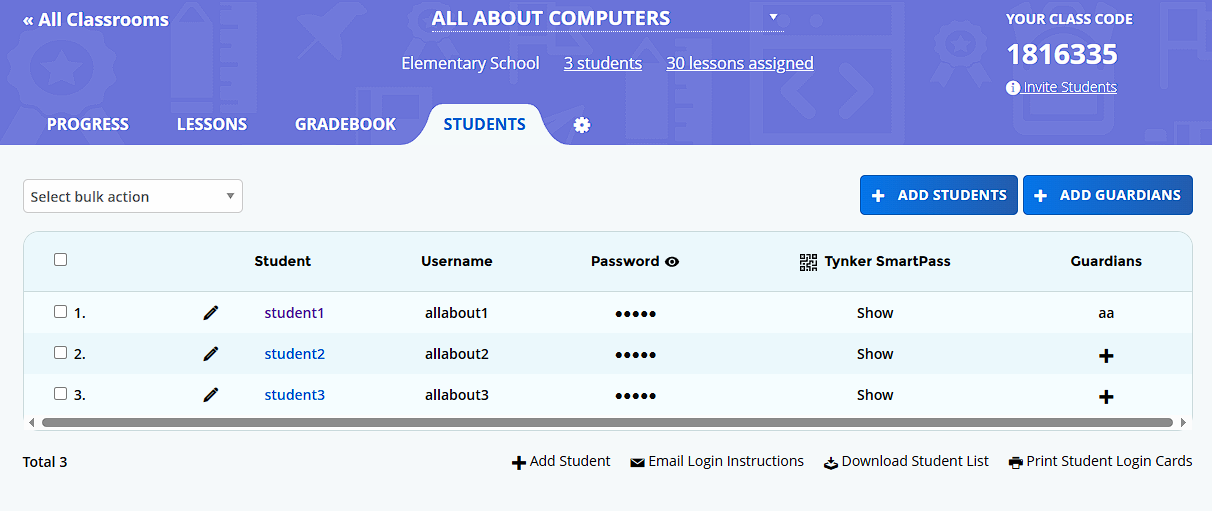
The Students section lets teachers view and manage student rosters
Settings
The Settings is where teachers can manage student access, archive or delete a classroom, as well as set up co-teaching with another teacher.