
How do students log in to Tynker using ClassLink on the Tynker App?
Edited
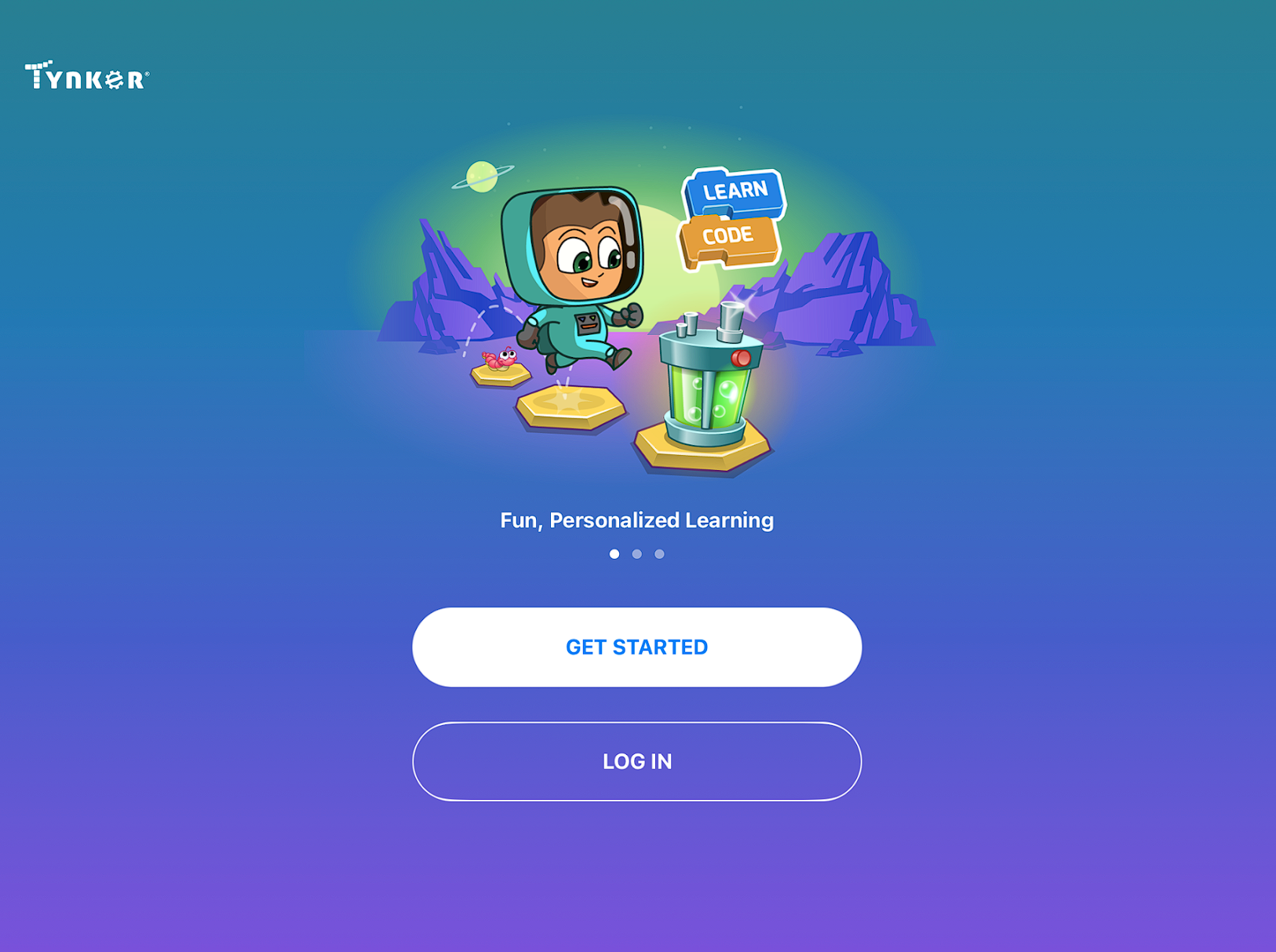
Launch the Tynker App, click on Log In
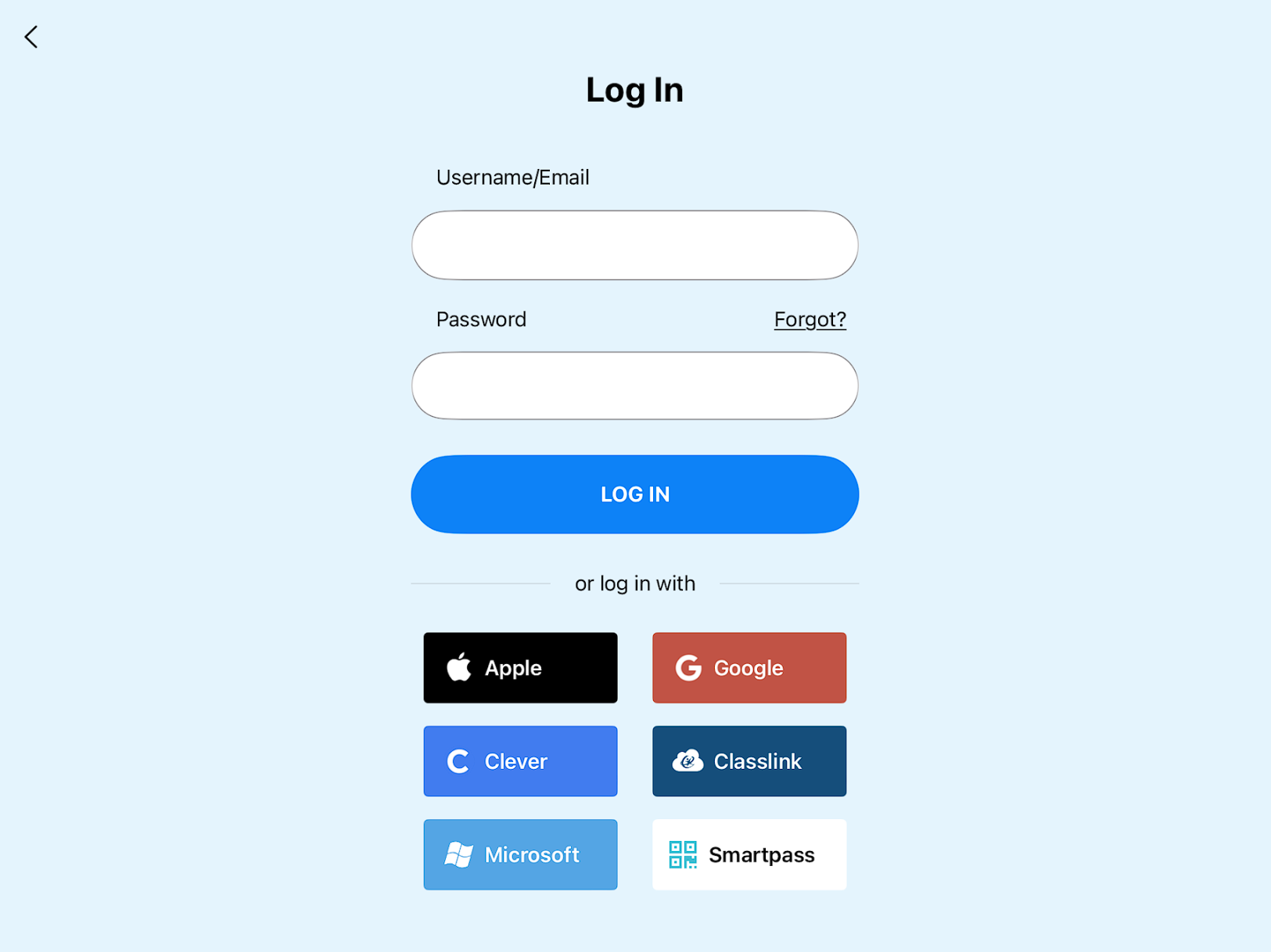
Click on the ClassLink button below
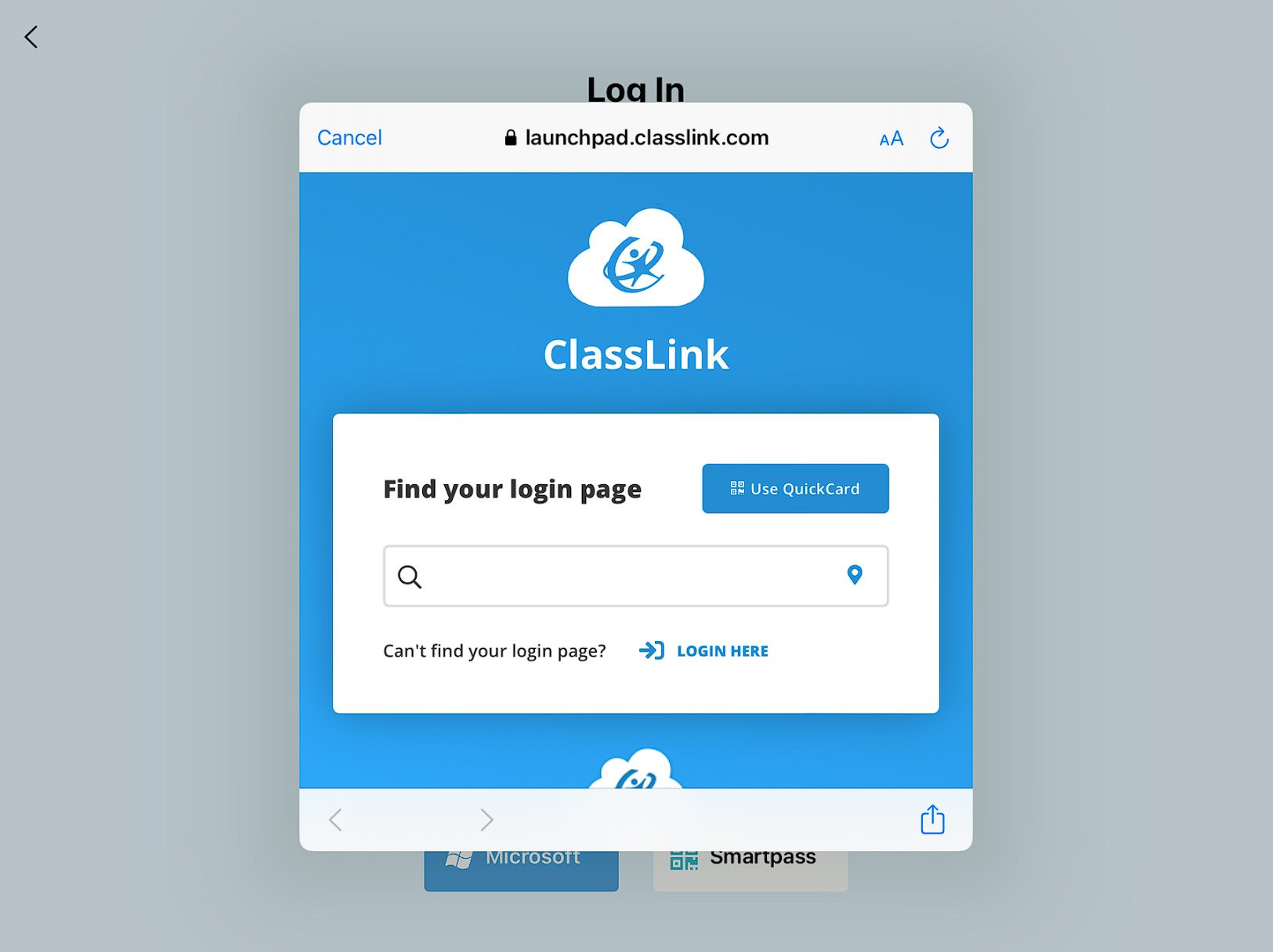
In the ClassLink login page that appears click Use QuickCard and then scan the student's badge
Launch the Tynker App, click on Log In
Click on the ClassLink button below
In the ClassLink login page that appears click Use QuickCard and then scan the student's badge