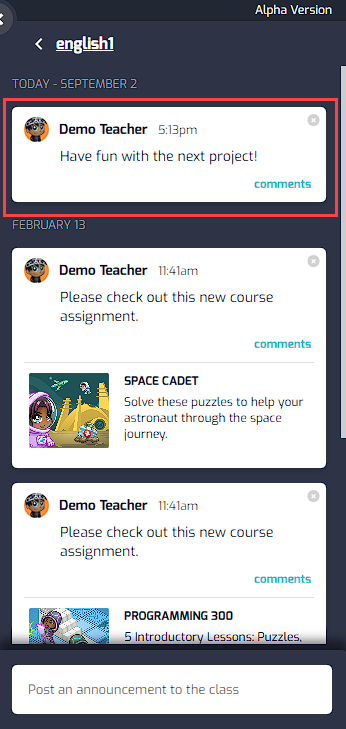
How can I post explanations of courses and content I have assigned?
Edited
Log into tynker.com as a teacher.
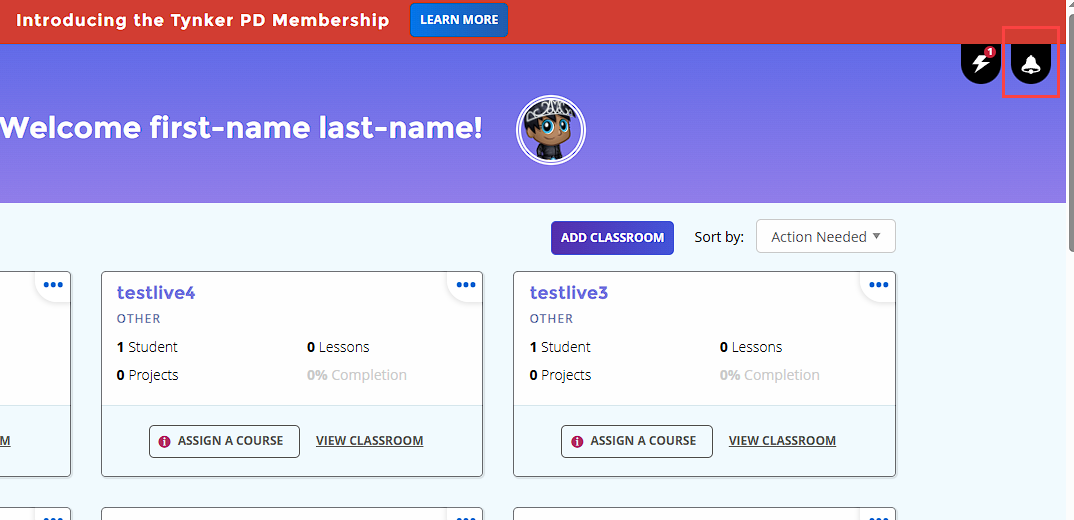
Within My Classrooms, click on the Bell icon at the top right
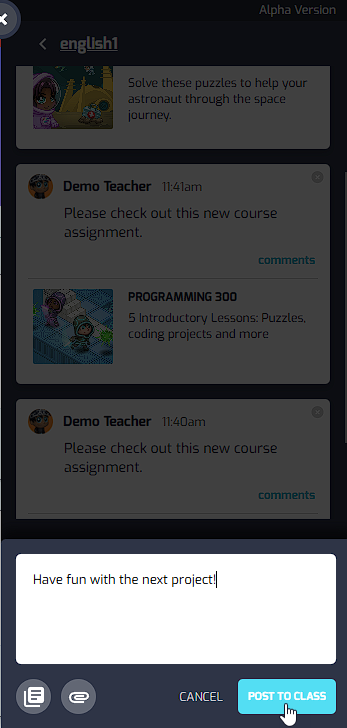
Select a classroom and enter a message using the input field toward the bottom
The message will post to the classroom for students to see