
How do I set up a Tynker class with a ClassLink roster?
Edited
Go to your district or school ClassLink Launchpad and login to Tynker by clicking the Tynker Application.
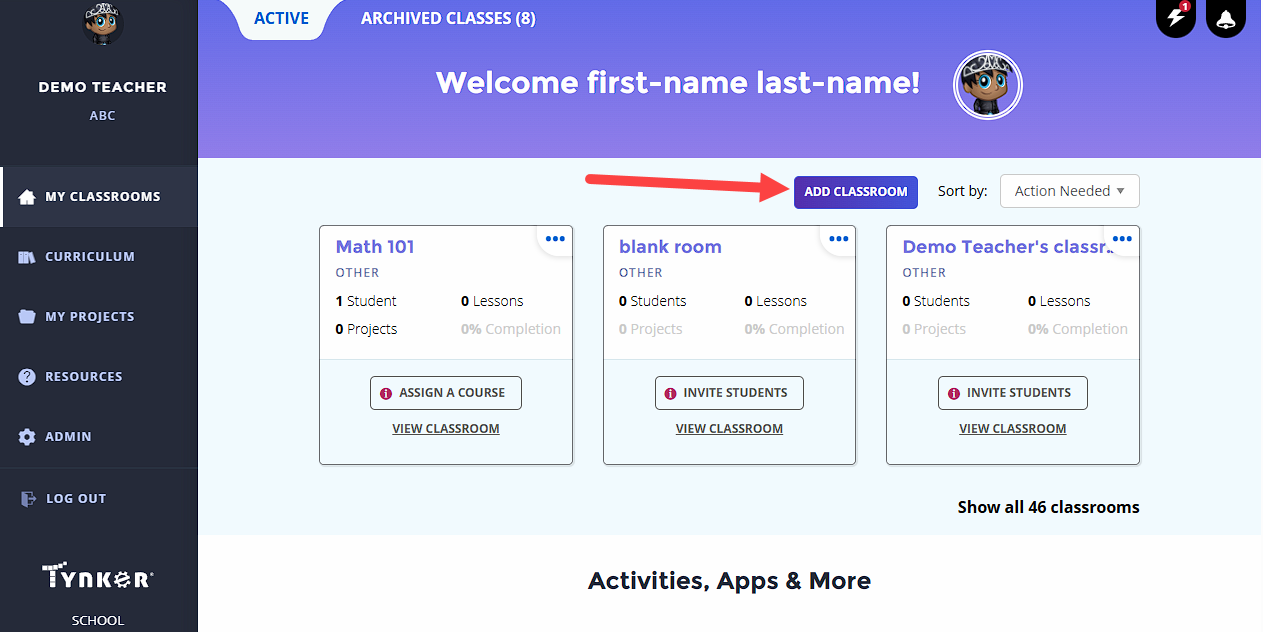
Go to My Classrooms and click Set Up Your Classroom or click Add Classroom to add an additional class.
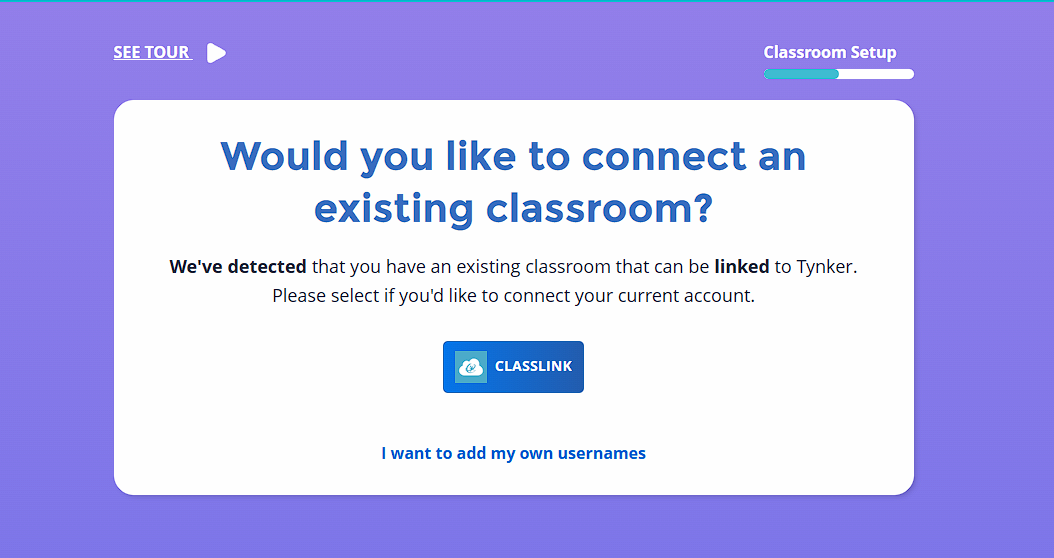
ClassLink classes are automatically detected. Click the ClassLink Classroom Button in order to connect your class.
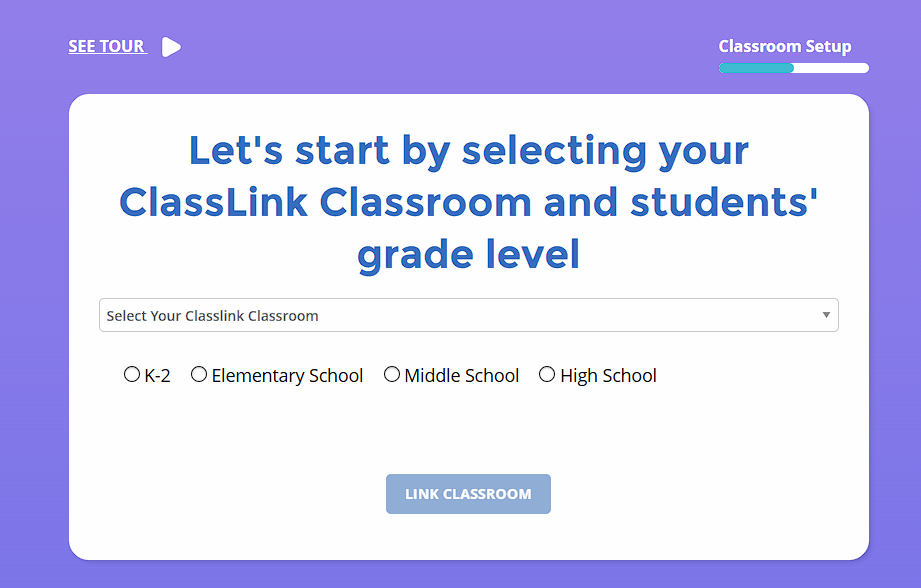
Pick the ClassLink Class from the drop down menu, the grade band, and click Link Classroom.
You can now assign lessons to the class that was automatically created from your ClassLink Roster.