
How do you assign courses for students to use on iPad?
Edited
Sign in to Tynker and create a class if you haven't yet. In the teacher dashboard sidebar, go to the Curriculum page.
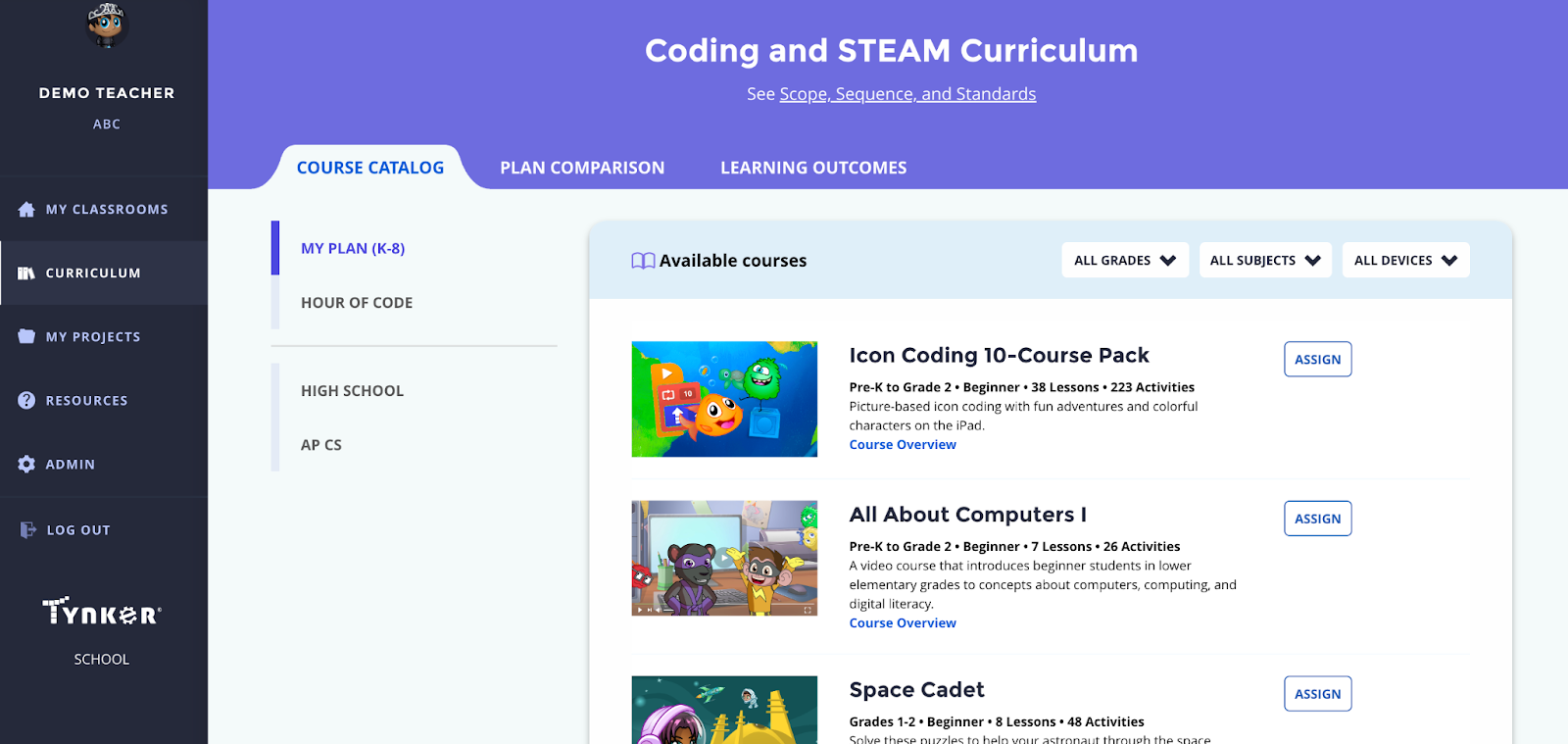
From the rightmost dropdown menu, select iPad to display only courses supported on iPad.
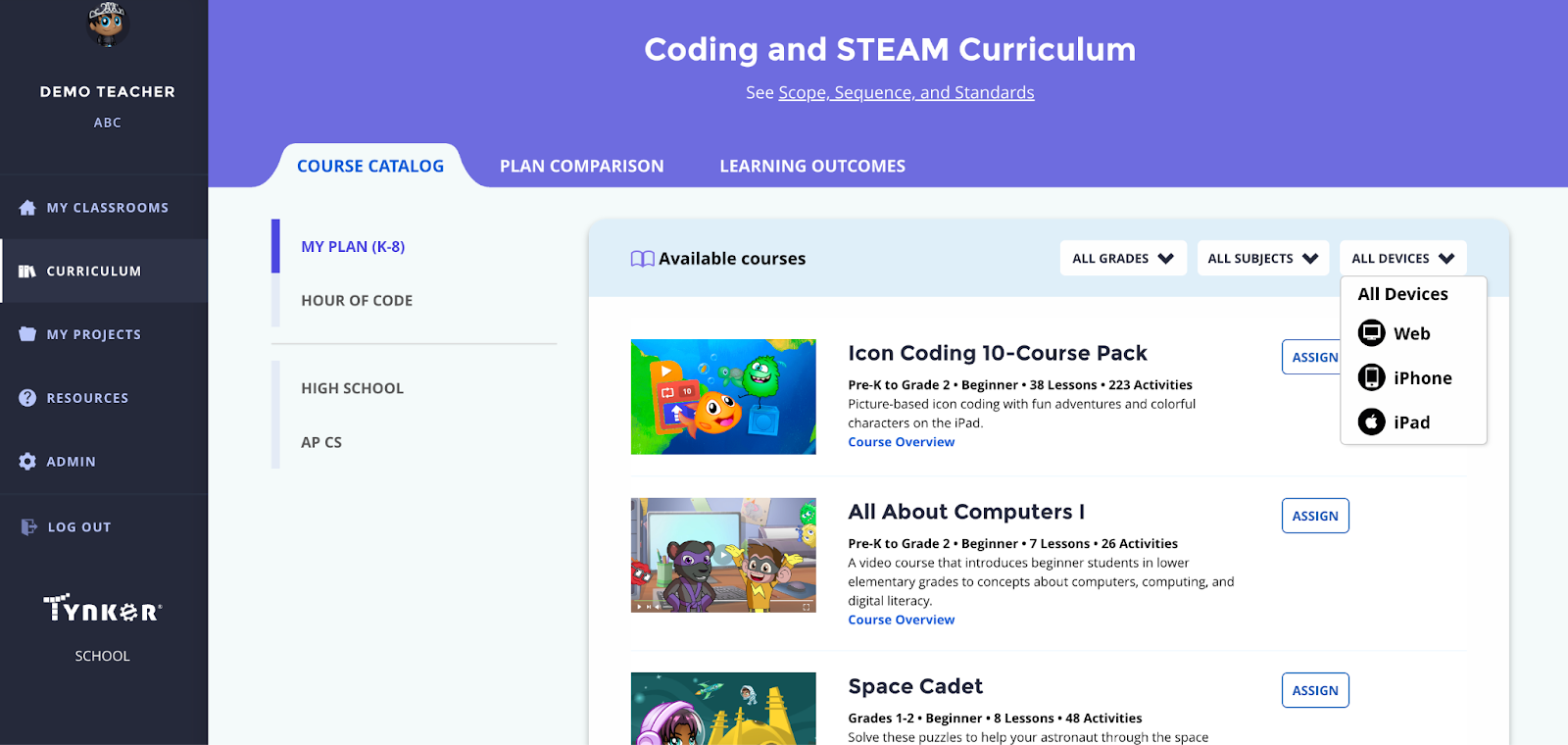
Click the Assign button on your chosen class and follow the prompts to assign lessons in the course to a class. Students will see the course when they log in to the Tynker app.