How can students use Microsoft logins to join a class?
Edited
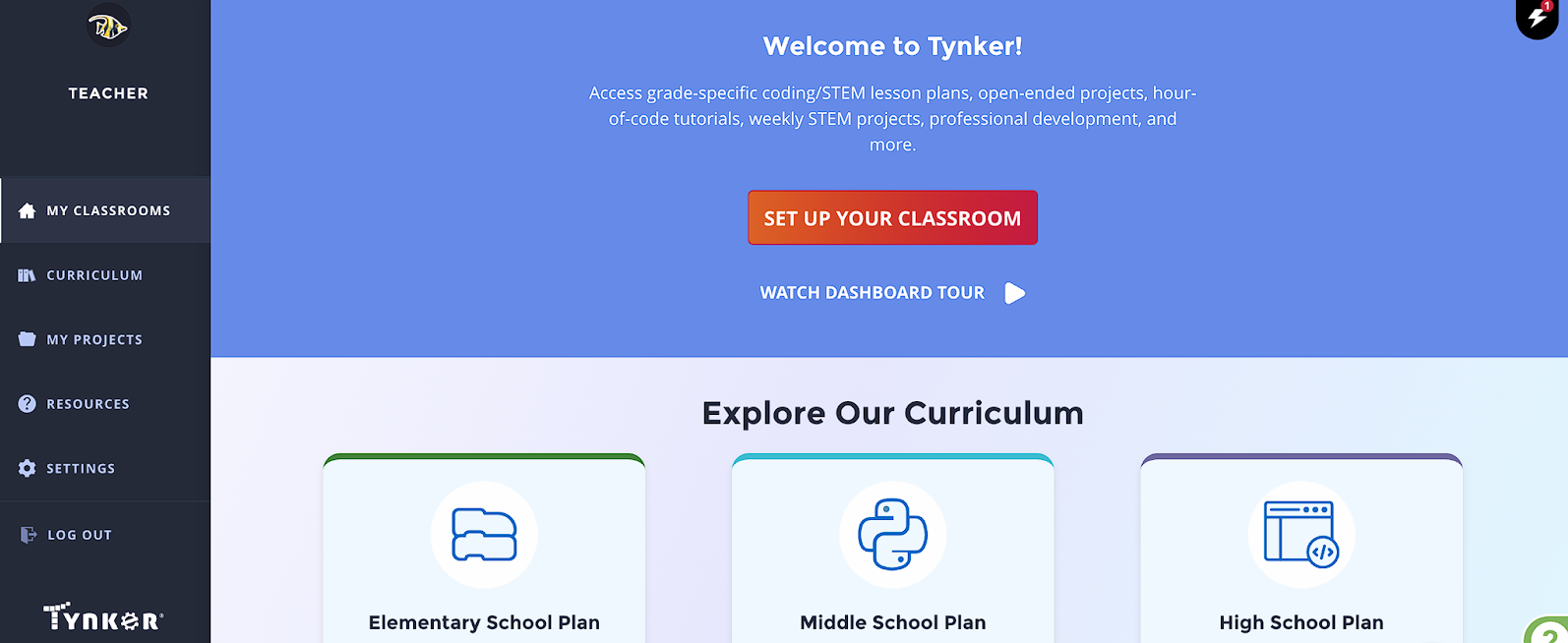
Go to My Classes and click add class to add an additional class for personalized content.
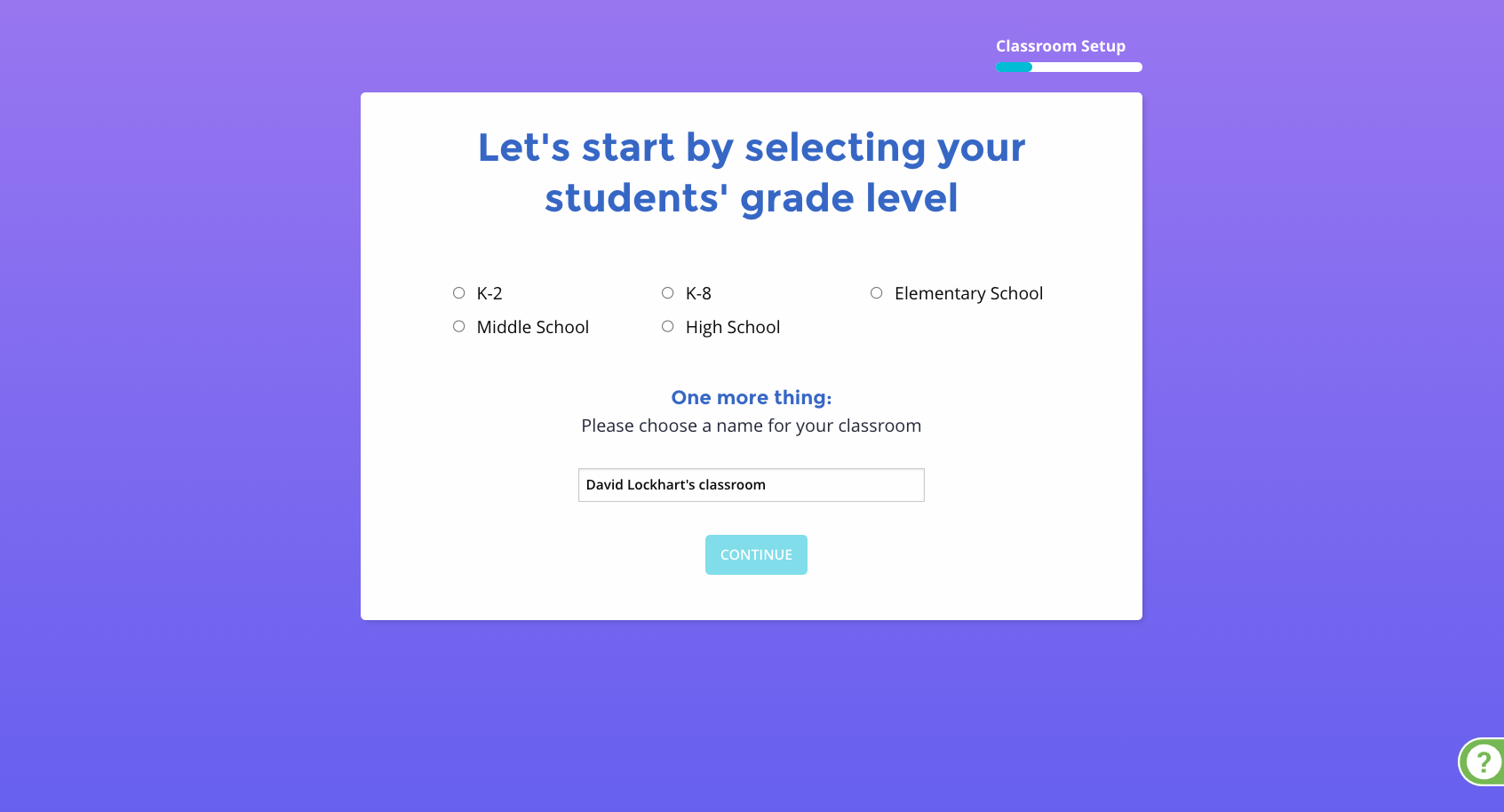
If you see the Google Classroom, Clever, ClassLink, click the I Want to Add my Own Usernames link. If you logged in with a different email or a Microsoft account it will take you to the next step.
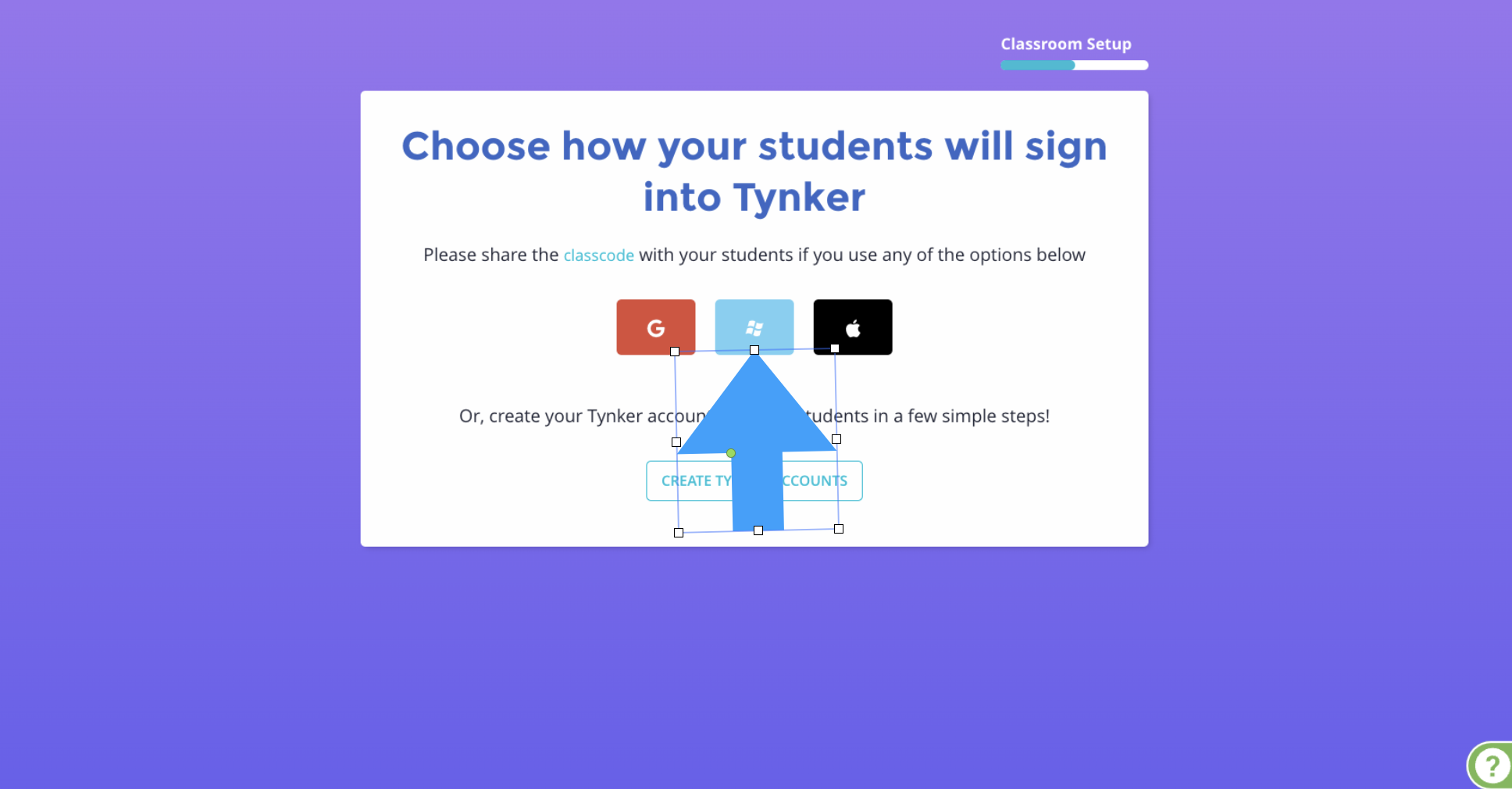
Click the Microsoft Button, give students the class code, and click Finalize
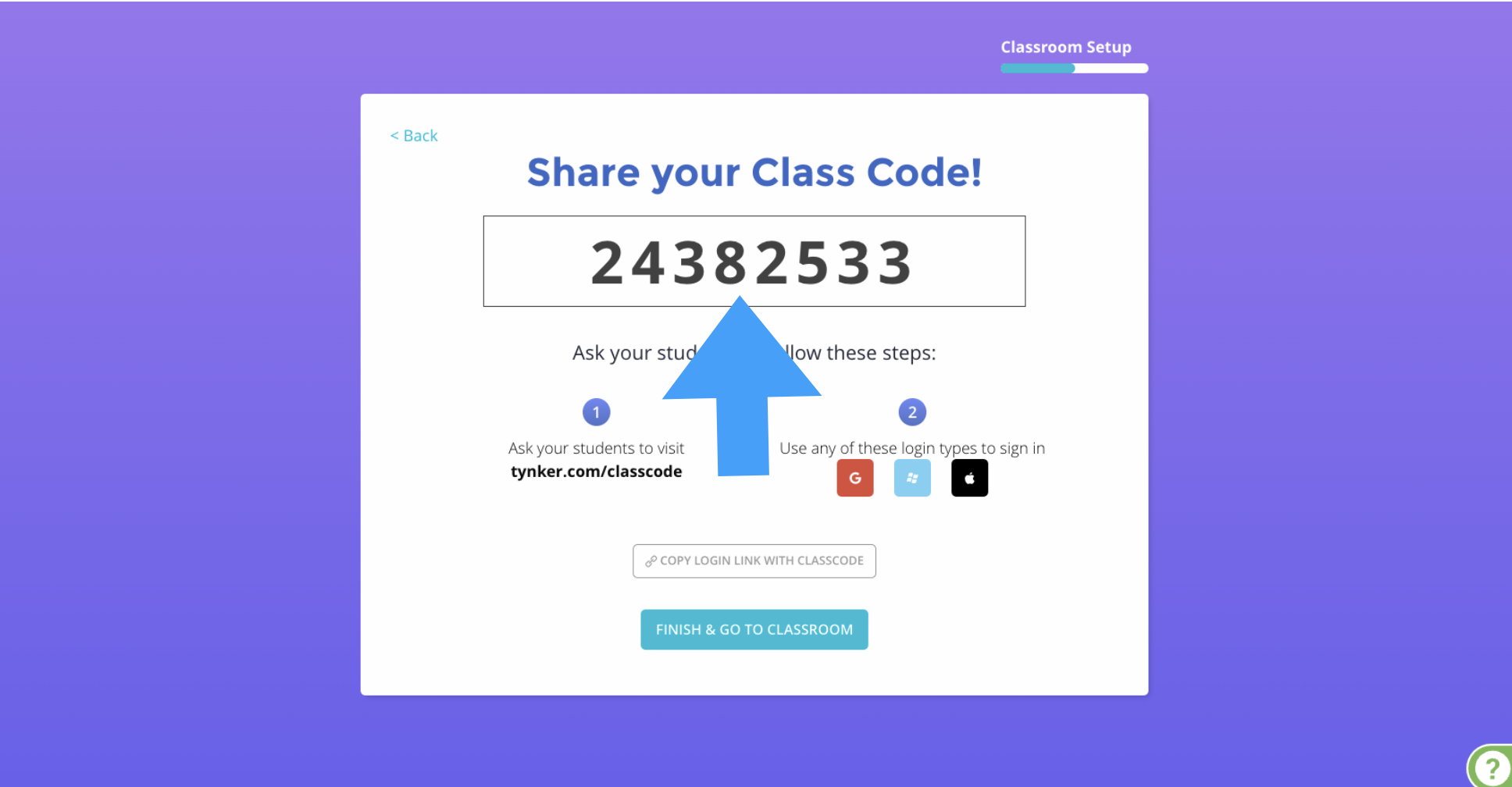
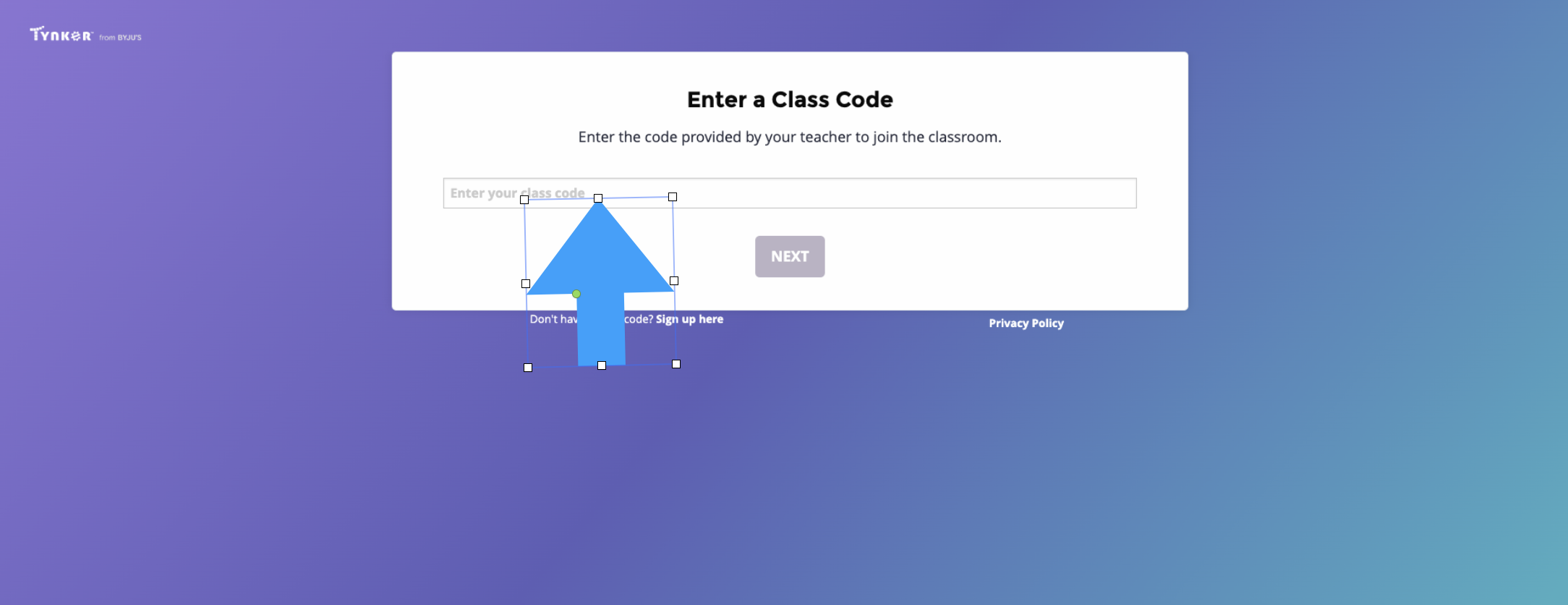
Students go to tynker.com/classcode, enter the class code, and then login with their existing Microsoft credentials.