How can I auto-generate logins for students?
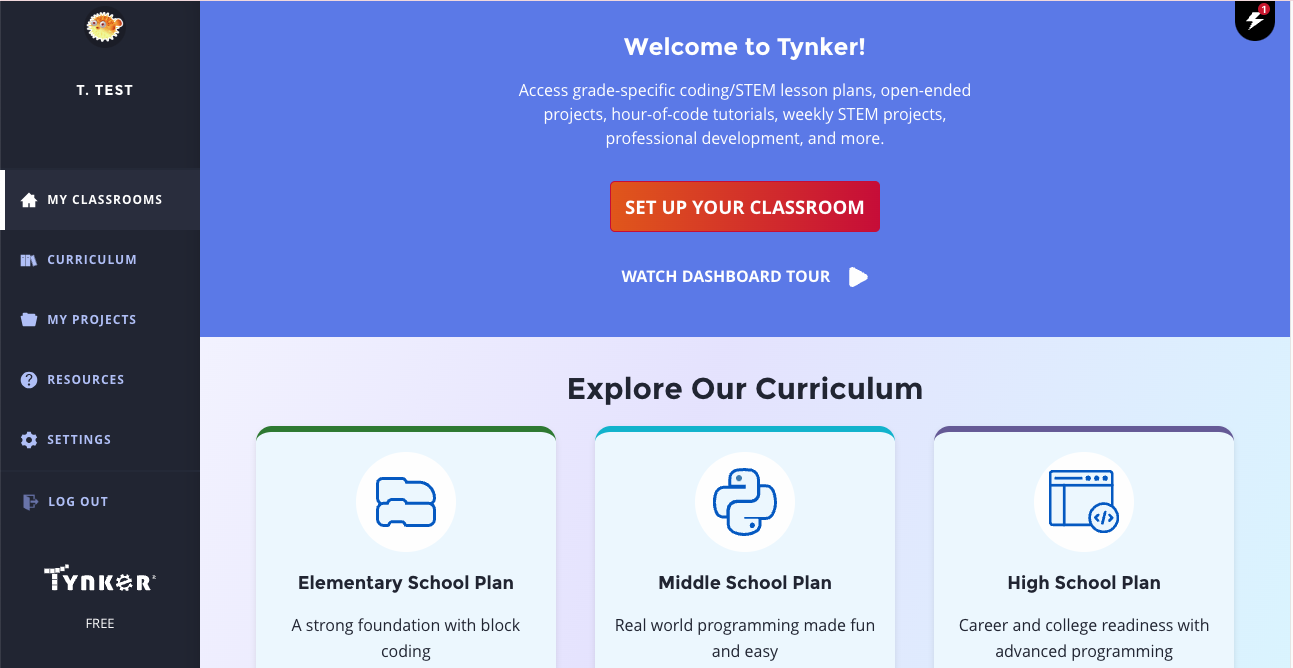
Go to the My Classrooms page and click Set Up Your Classroom if you have no other classes, or click Add Classroom to add an additional class.
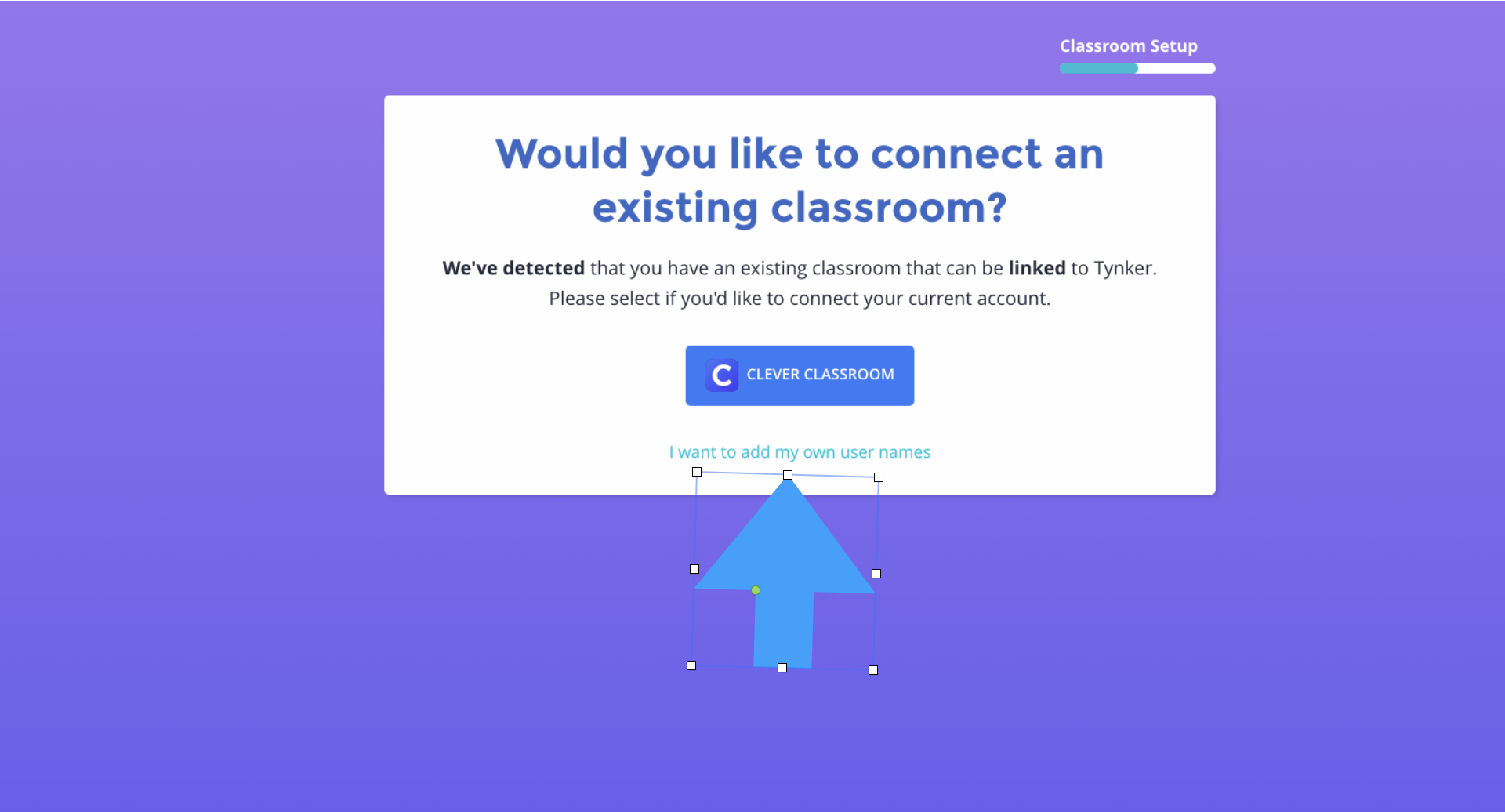
Adding Classes depends on what Account you signed into Tynker with.
If it is a Google Classroom, Clever, ClassLink, click I Want to Add My Own Usernames
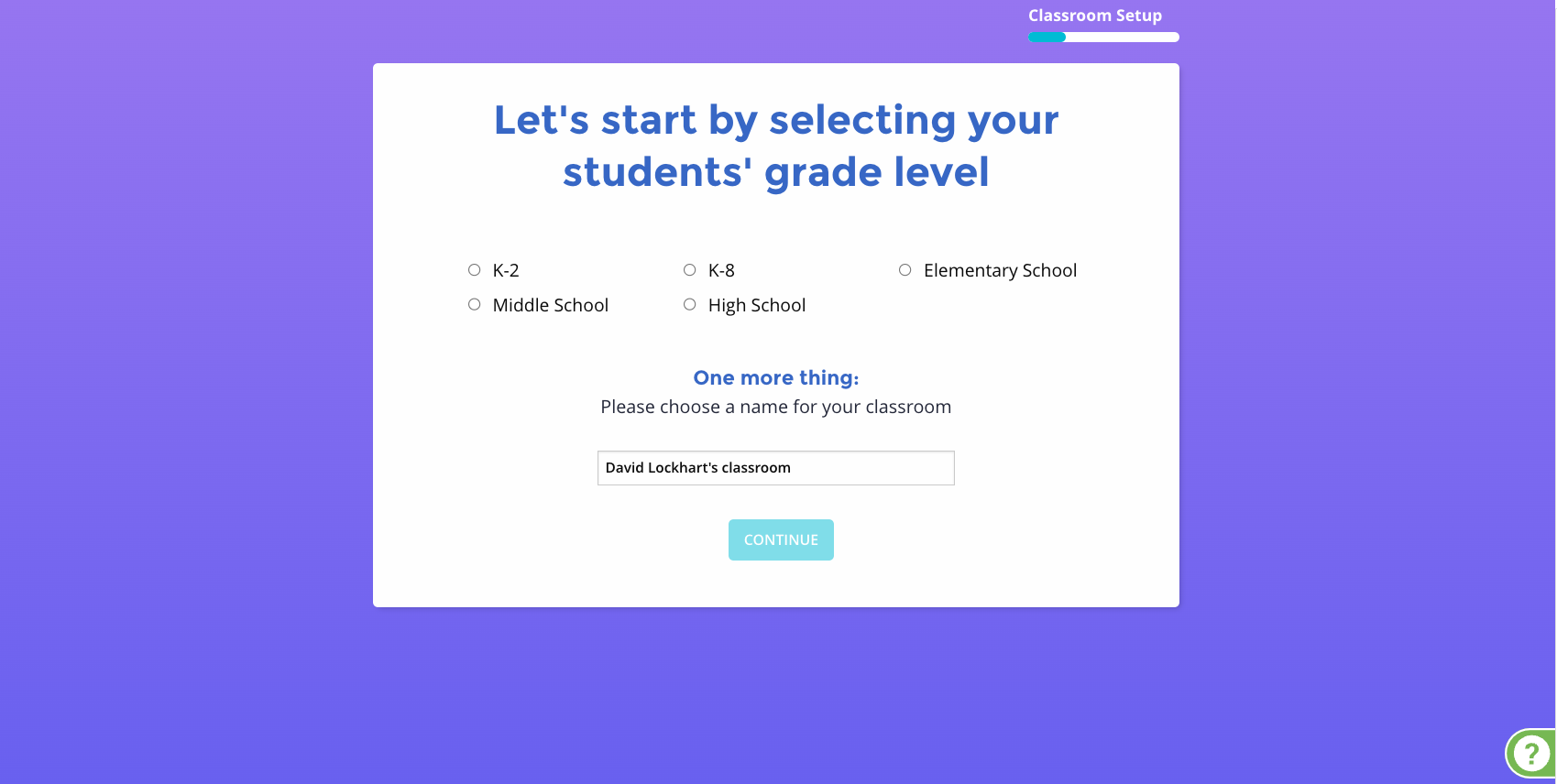
If you logged in with a different email or a Microsoft account it will take you directly to the setup to auto-generate user names.
Give the class a grade band, a class name, and click Continue.
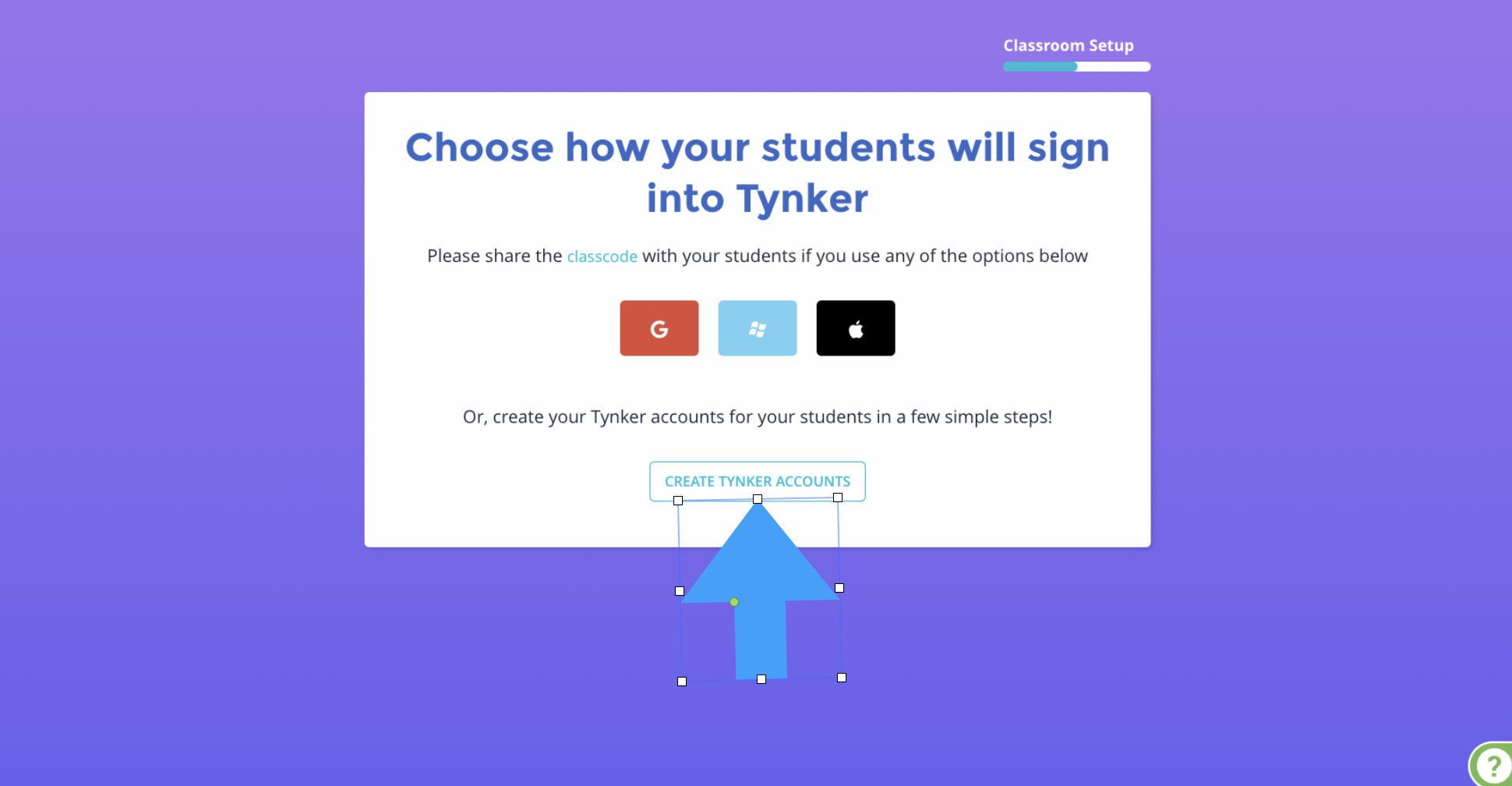
Click the Create Tynker Accounts button under the class code options.
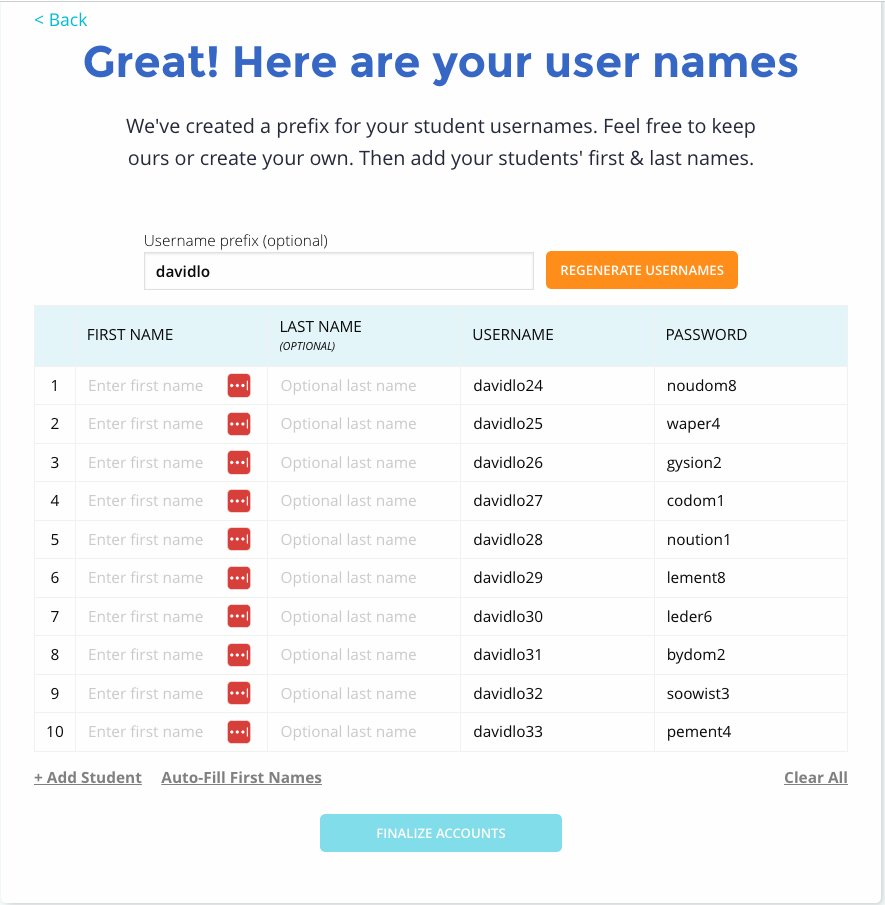
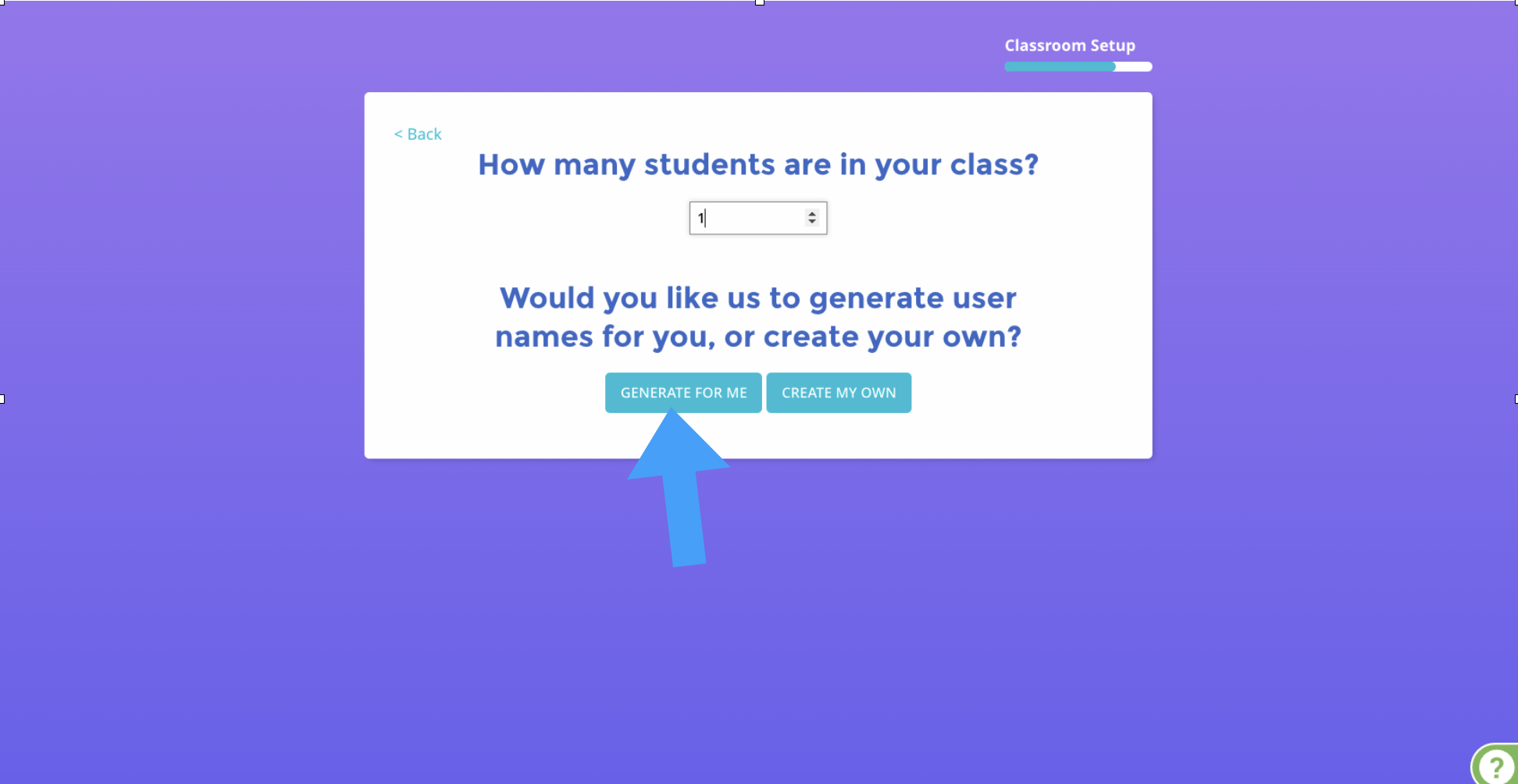
Pick the number of accounts you want to create and either click Generate for Me or Create My Own.
Use the rows to finish student usernames and passwords. You can change the prefix and regenerate the user names with the box at the top. You can also generate first names with a link at the bottom if needed.