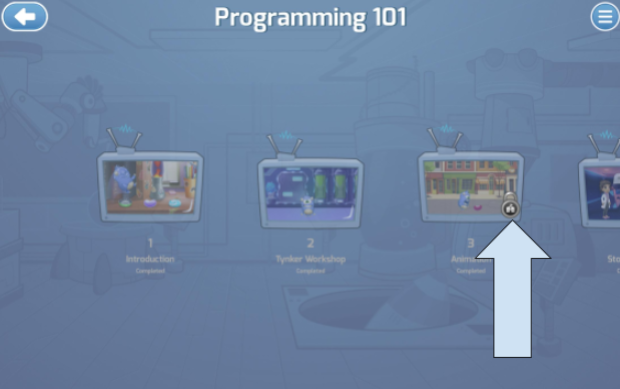
How do you assign individual lessons for students to use on iPad?
Edited
Sign in to tynker.com and create a class. Go to the Curriculum section and find the course you want to assign.
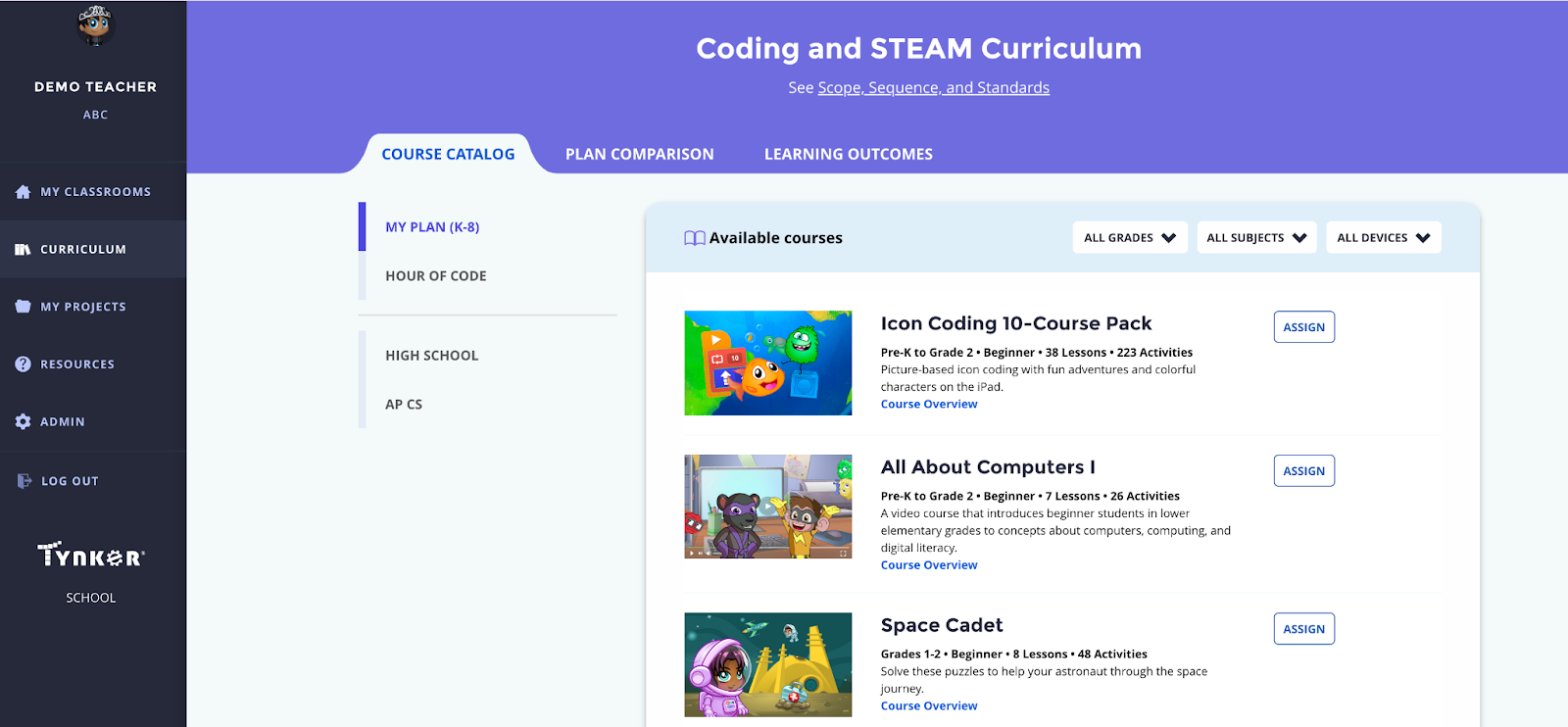
Find courses that are supported on iPad. You can filter the courses by device using this dropdown.
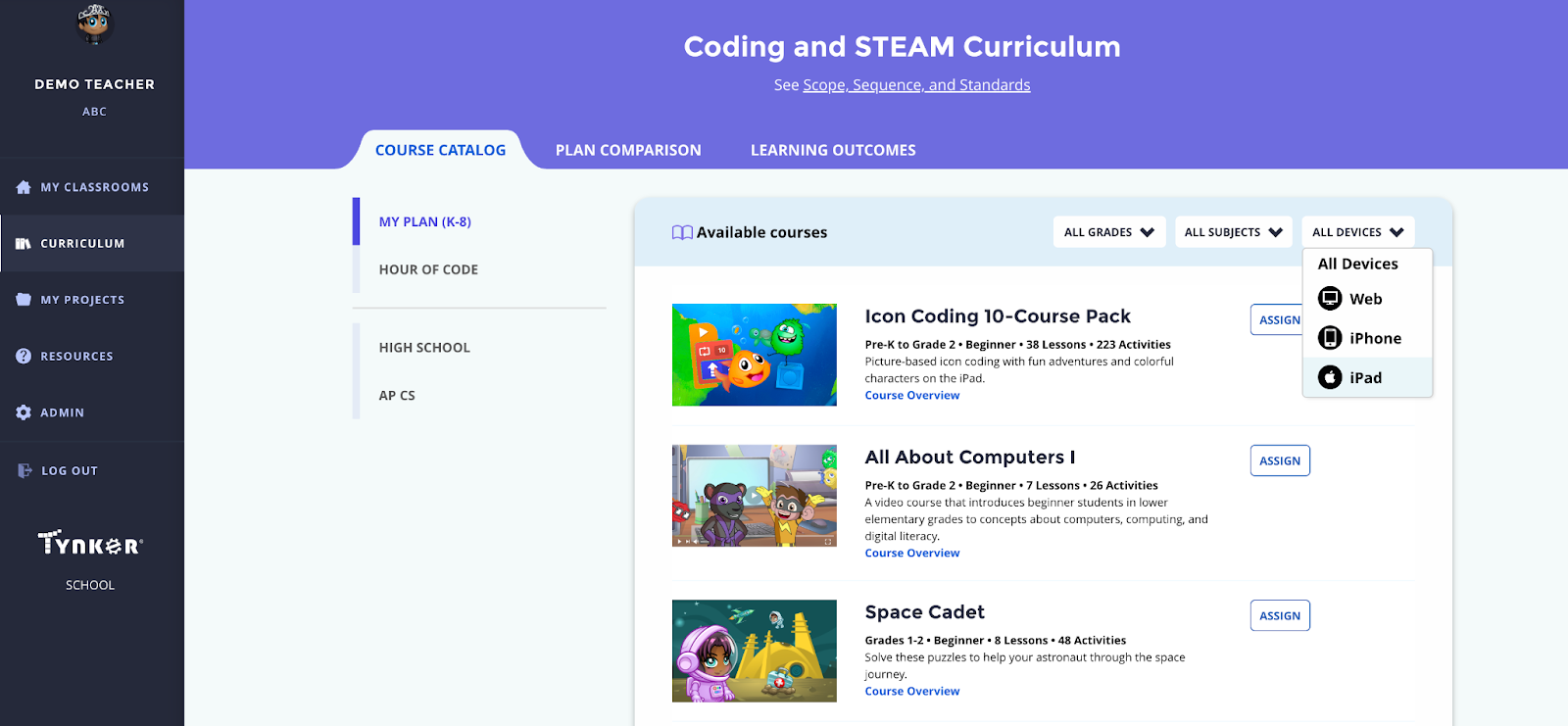
Click Assign
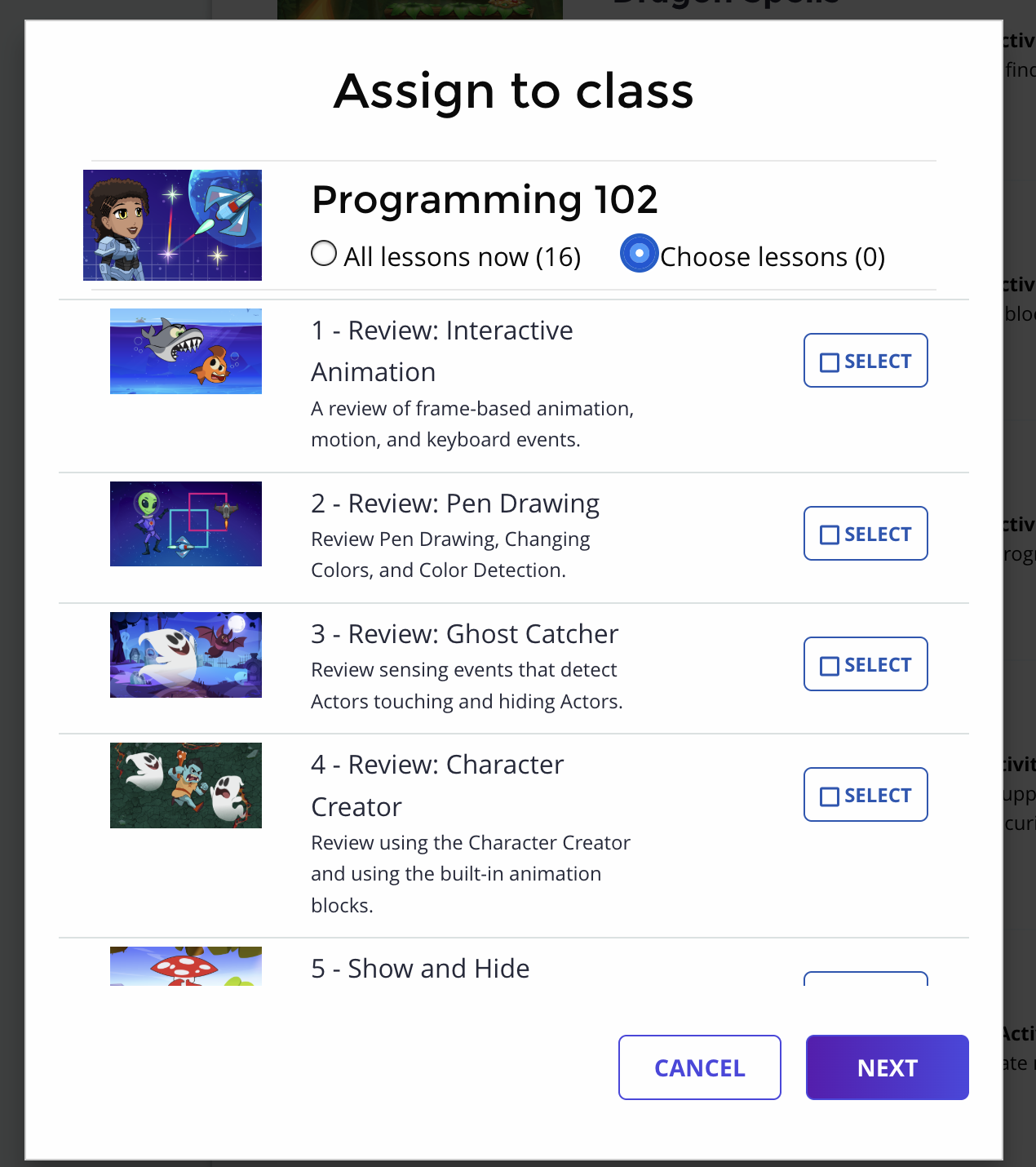
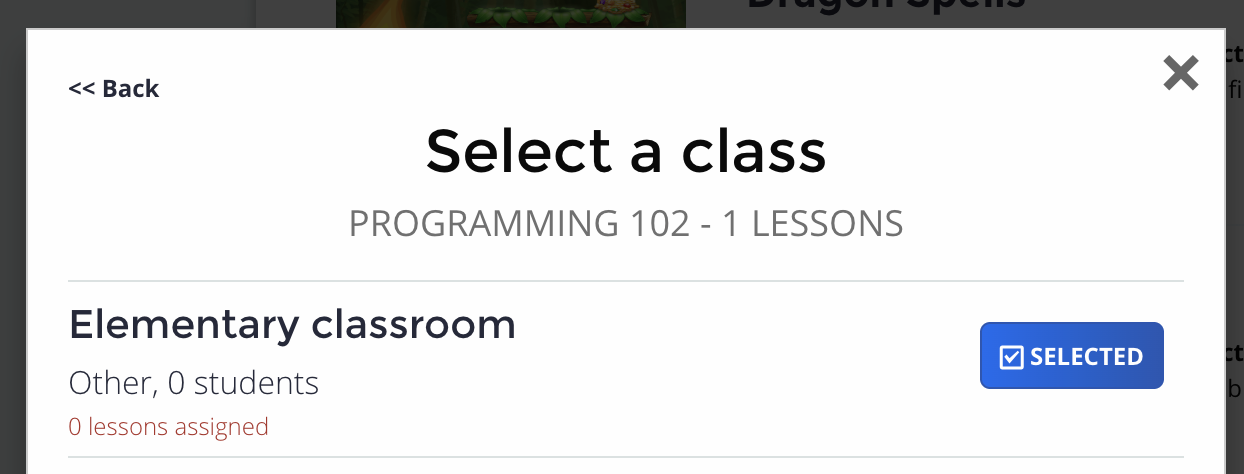
Choose the “individual lessons” option. Pick the lessons you want and assign them to the class.
When students log in, they can still go to the course card, but the assignments that you have not assigned will be locked.