
How do you assign courses for students to use on iPad?
Edited
Sign in to tynker.com and create a class. Go to the curriculum page.
Find courses that are supported on the iPad by choosing the iPad device filter.
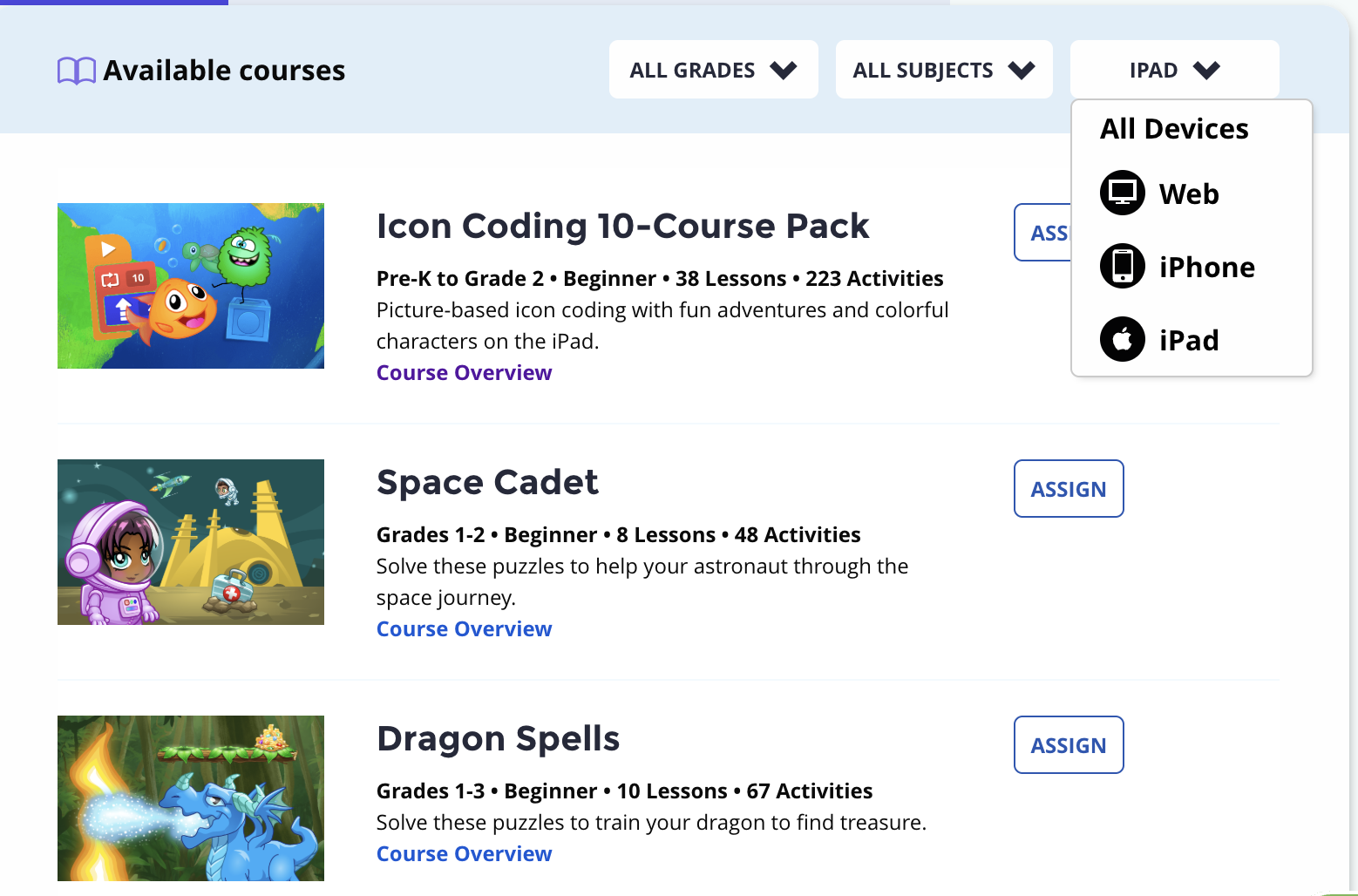
Click Assign
To assign the entire course to the class, choose “all lessons”, click next, and choose the specific class.Students will now see the course unlocked when logged in to the app.