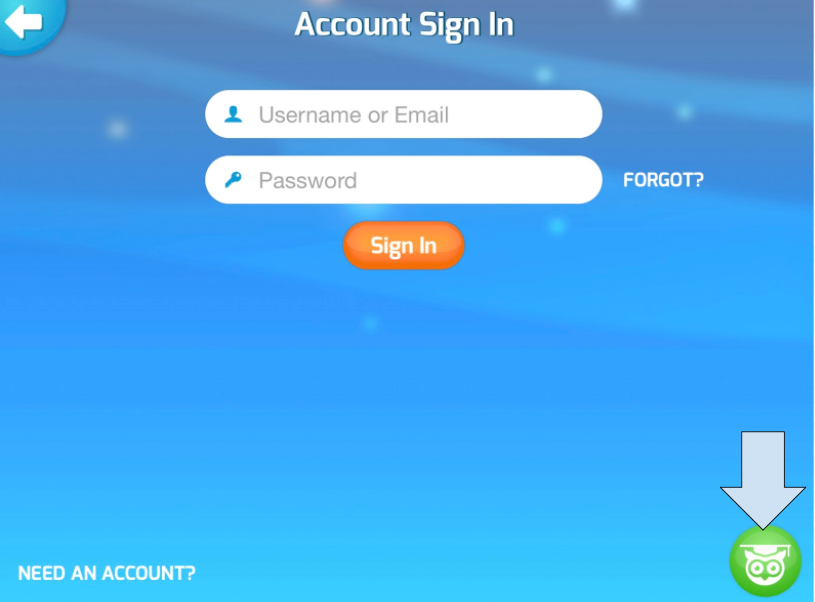
How do students log in to the Tynker Junior app?
Edited
Open the app and click sign in in the top-right corner.

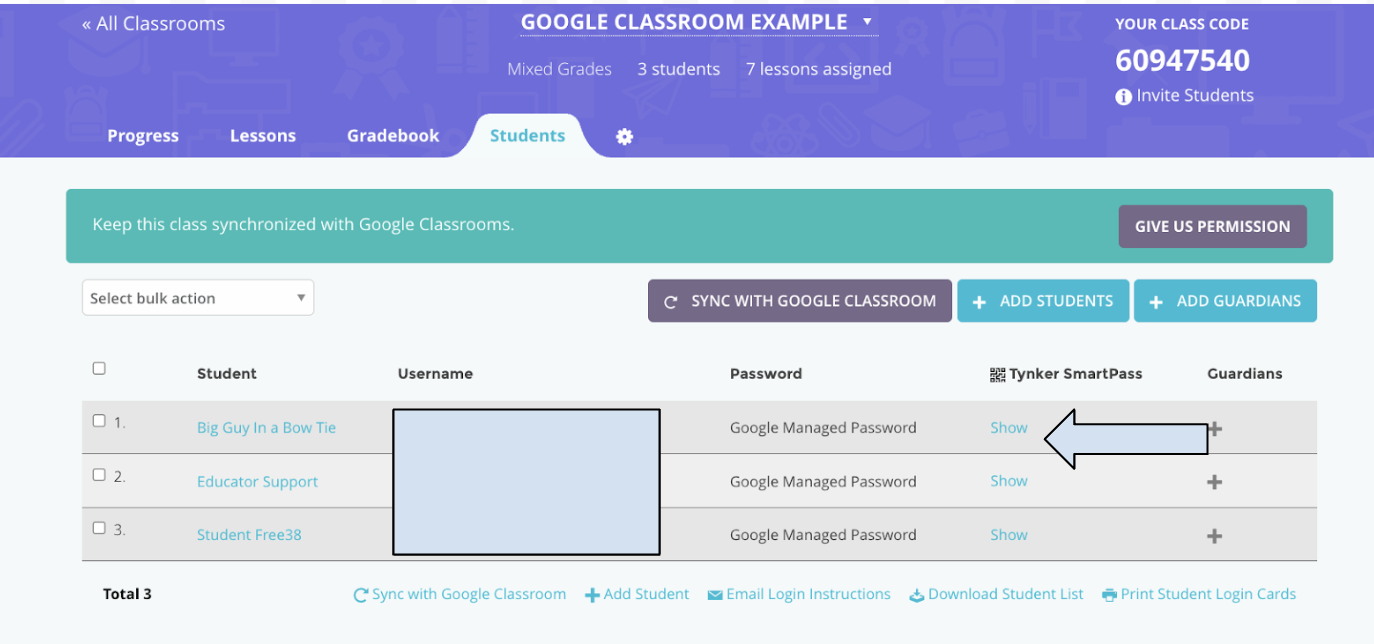
The benefit of Tynker Junior is that you can log in with a Tynker Smart Pass (QR Code). You find the Tynker Smart Pass on the students page of the class no matter how your rostered students.
On the login page of the app, students can click the owl logo in the bottom-right corner to log in with the Tynker Smart Pass.