How do students log in to the Tynker app?
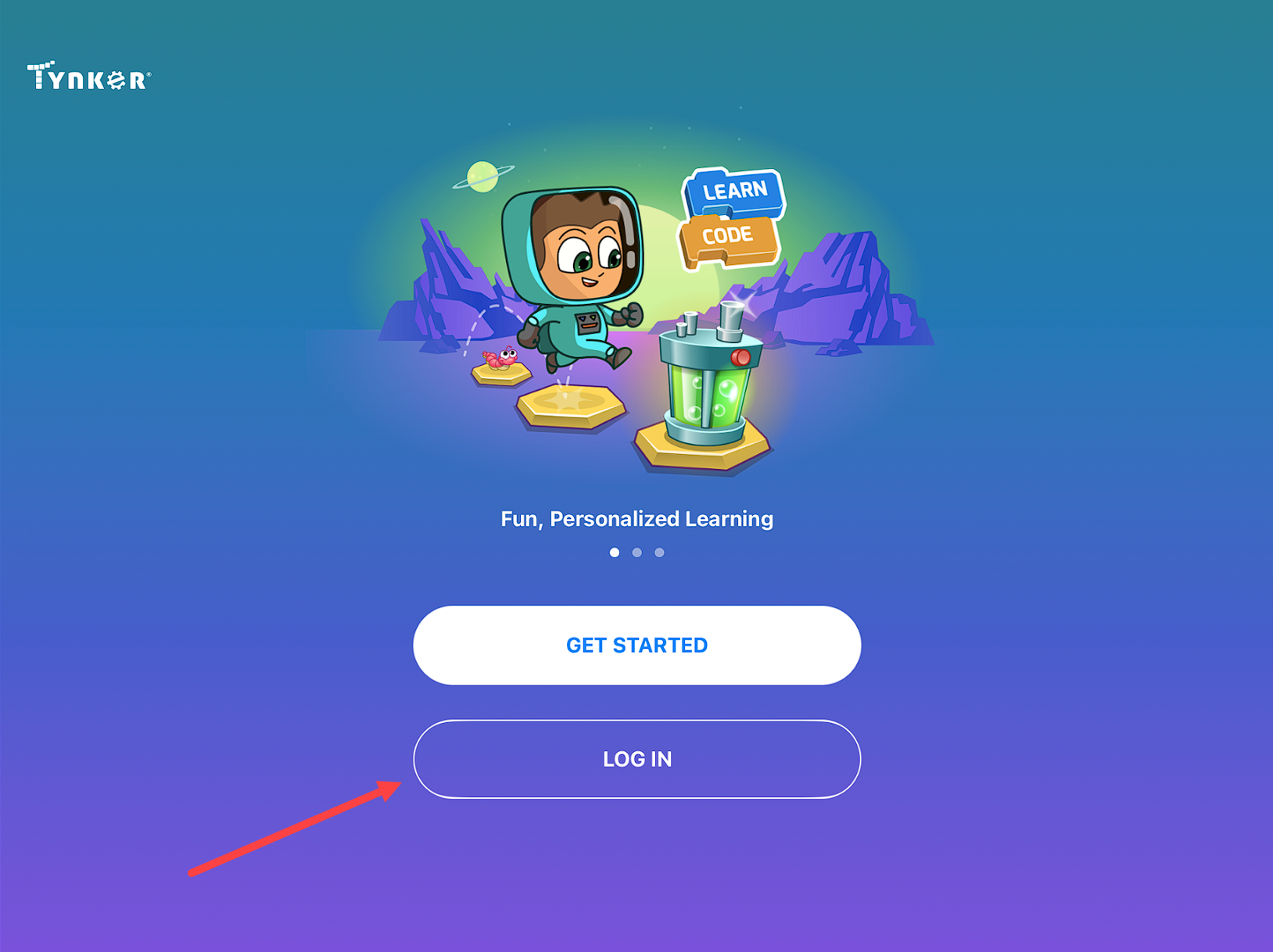
Launch the Tynker app and tap on Log In.
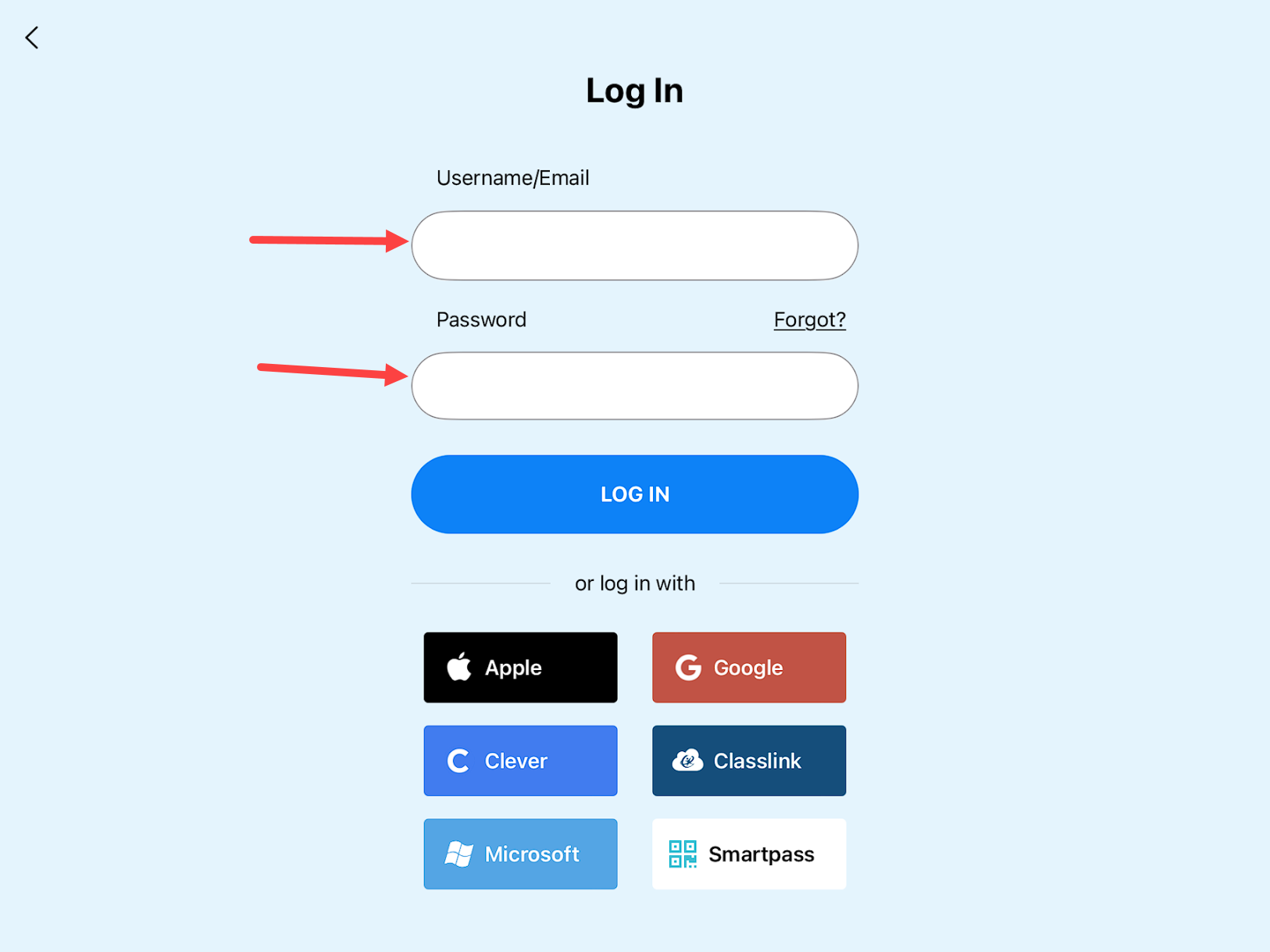
If the account uses a Tynker username/email login, use the Username/Email and Password input fields to log in.
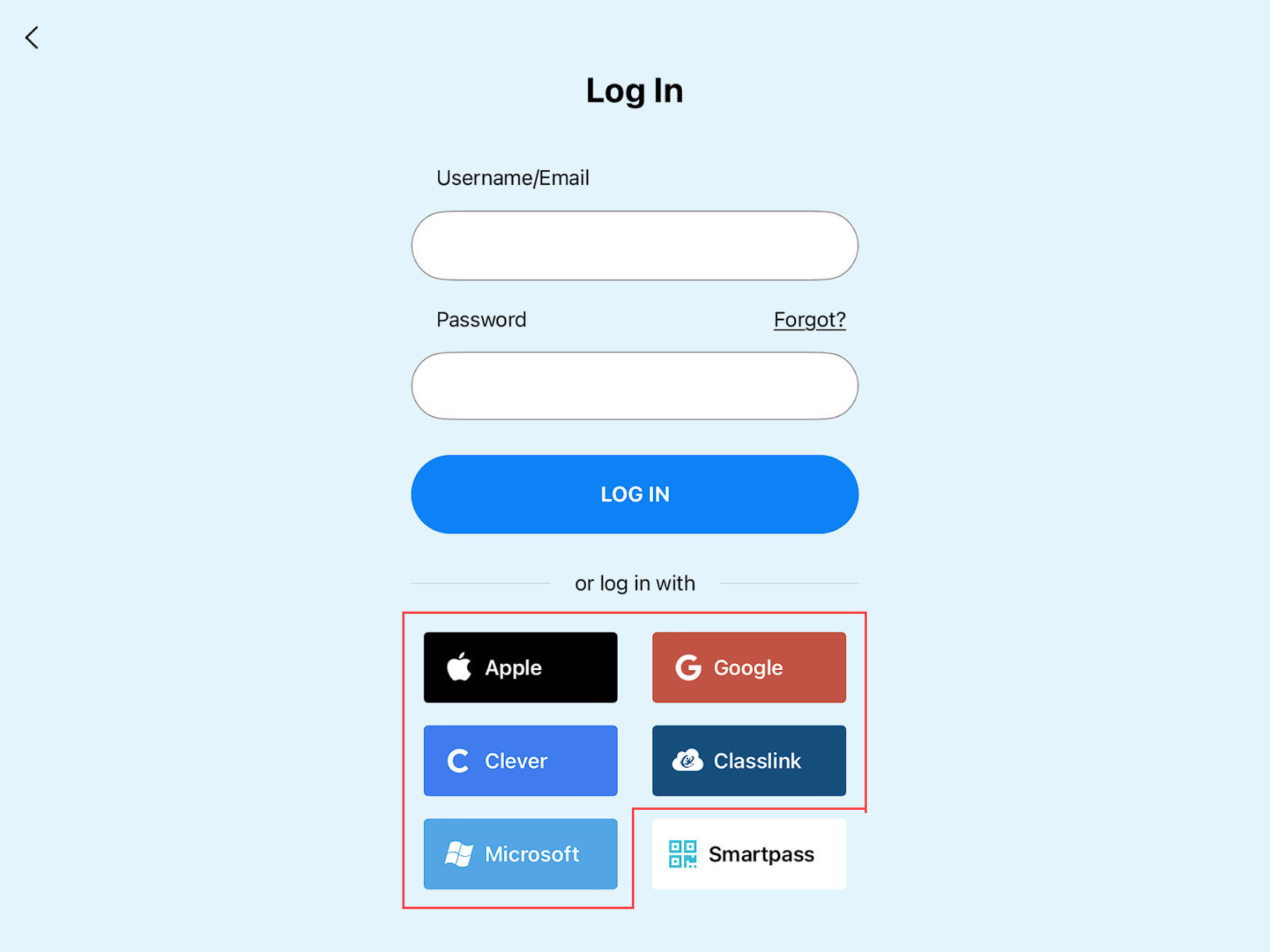
If the student account uses Apple, Google, Clever, or Microsoft, use one of the corresponding buttons below.
Note: The Clever option will launch a Clever login page on the iPad's browser. Log into Clever there and you will automatically be taken back to the Tynker app logged in. You cannot do this process in the reverse order (ie, don't initiate the login from the browser--the log in must start from within the Tynker app).
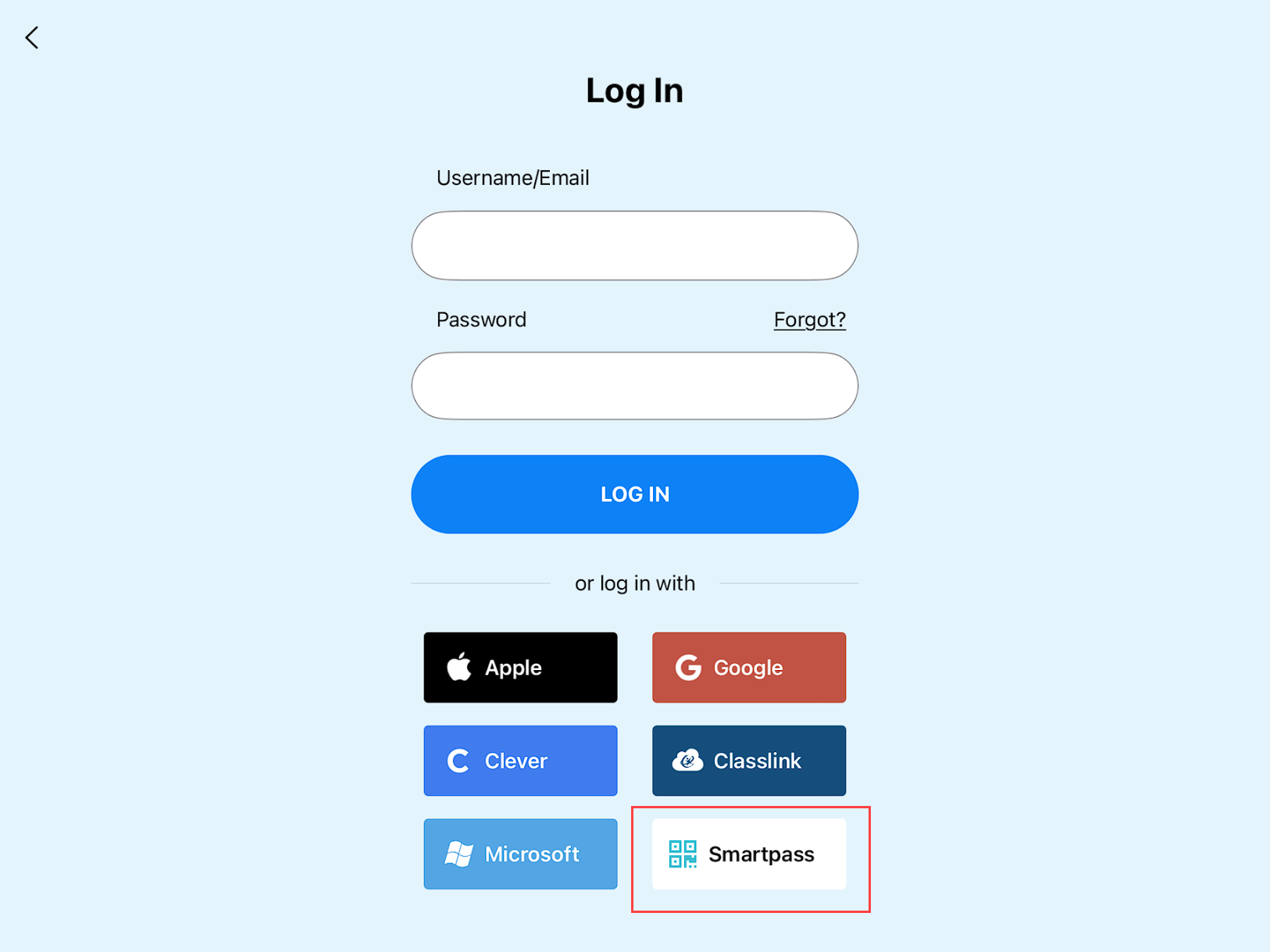
For Smartpass login, tap on the Smartpass button and position your iPad's camera to scan your badge. Tynker SmartPass badges can be found on your classroom's Student tab on your teacher dashboard.