
Viewing Classrooms as a School Administrator
Edited
School administrators can use the Classrooms tab to view classrooms associated with their school.
To view classrooms:
Go to Admin.
Select Classrooms.
Filter by teacher or classroom status, or search for a classroom by name.
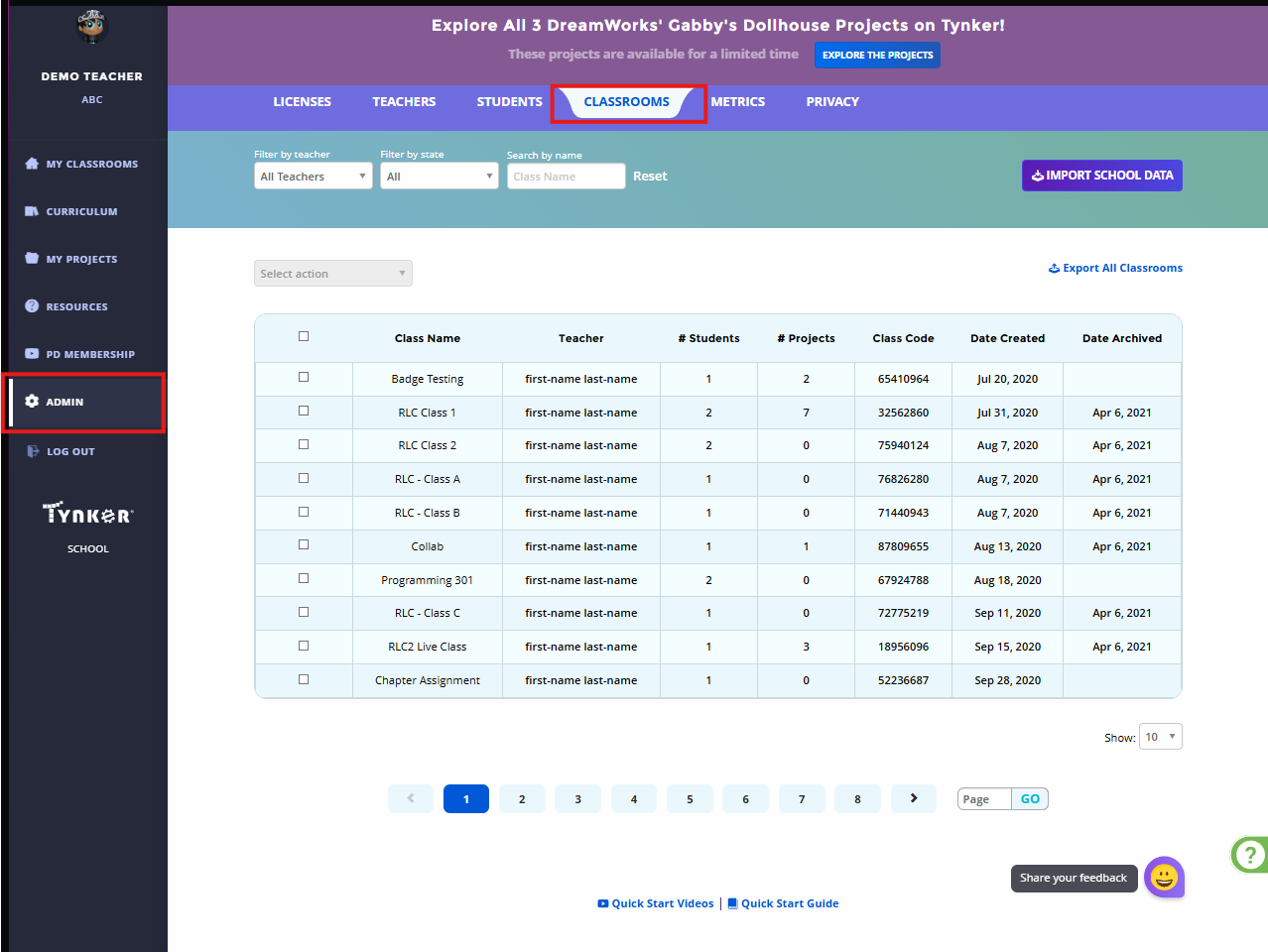
The classroom list displays information such as:
Classroom name
Teacher
Number of students
Number of projects
Class code
Date created
Date archived
To download classroom information, select Export All Classrooms.
Teachers should manage their individual classrooms from their teacher accounts.