
Step 4: Ask Teachers to Sync Their Clever Classrooms
After teachers sign in for the first time, they'll need to connect their synced Clever classrooms from within their own Tynker dashboards.
From the teacher dashboard they should:
Select Add Classroom.
Choose Clever Classroom.
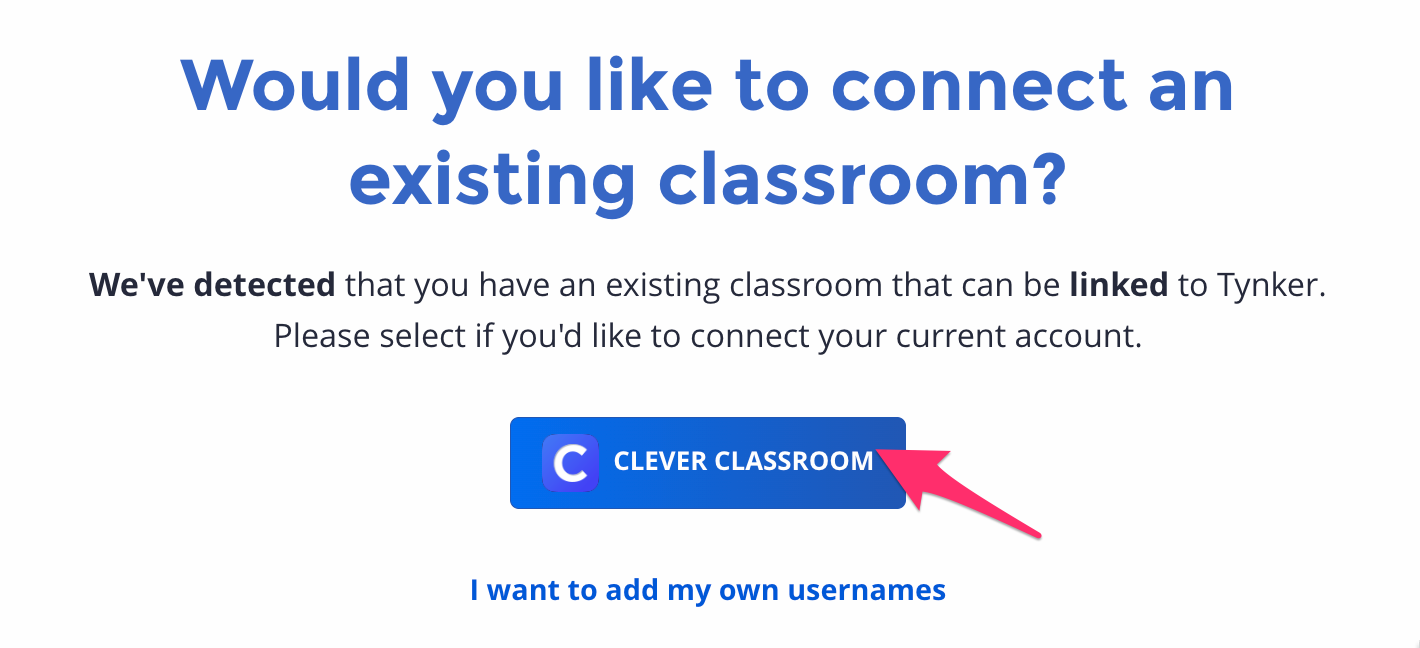
Select the classroom(s) they would like to import.
For detailed instructions, have teachers follow the guide below:
👉 Sync Your Classroom from Clever with Tynker as a Teacher
Once imported, their students will automatically appear in Tynker.
Note for Administrators: This step must be completed by each teacher individually. Administrators cannot add classrooms on behalf of teachers.
Your Clever integration has been completed, you're Ready! 🎉
Your teachers can now begin teaching and students can start coding.
If you have any questions during setup, please contact your Tynker Account Manager or Tynker Support for Schools for assistance.