
Step 1: Create your Teacher Account
Please reach out to your School Admin to have a Tynker teacher account created for you. If they haven’t already been in touch with one of our Account Managers for account setup, please have them contact us at schools@tynker.com.
Once your teacher account has been set up, you may log in to it using your Clever credentials at: https://www.tynker.com/#/login/teacher/
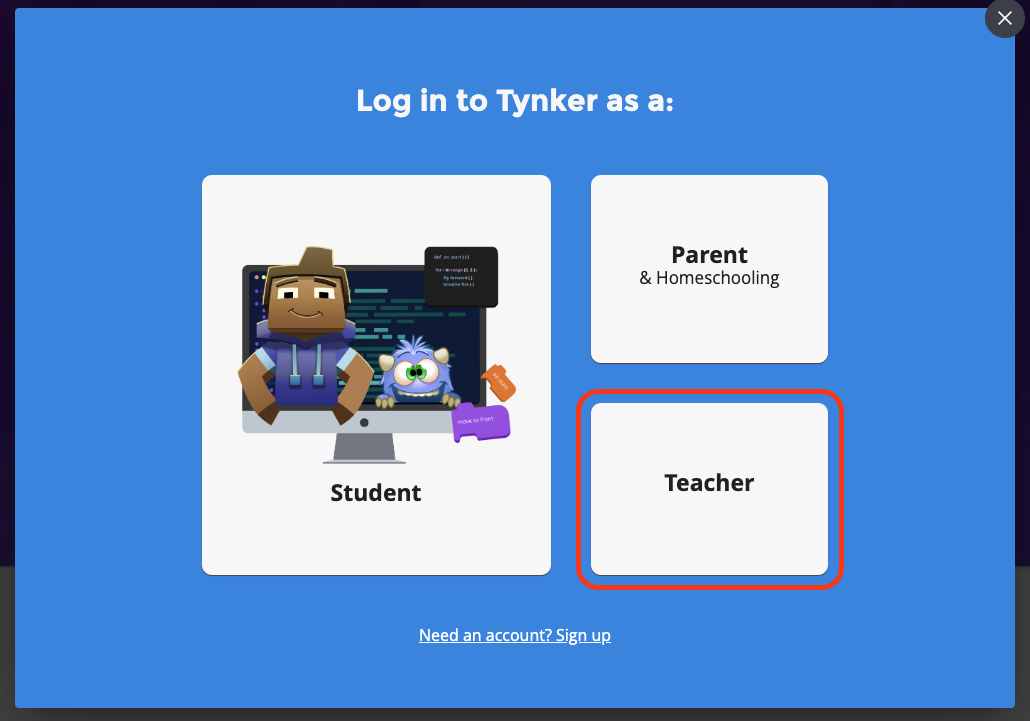
Once you click on the link above, you will be requested to select an authentication method. Please select "Clever" from the buttons shown to you:
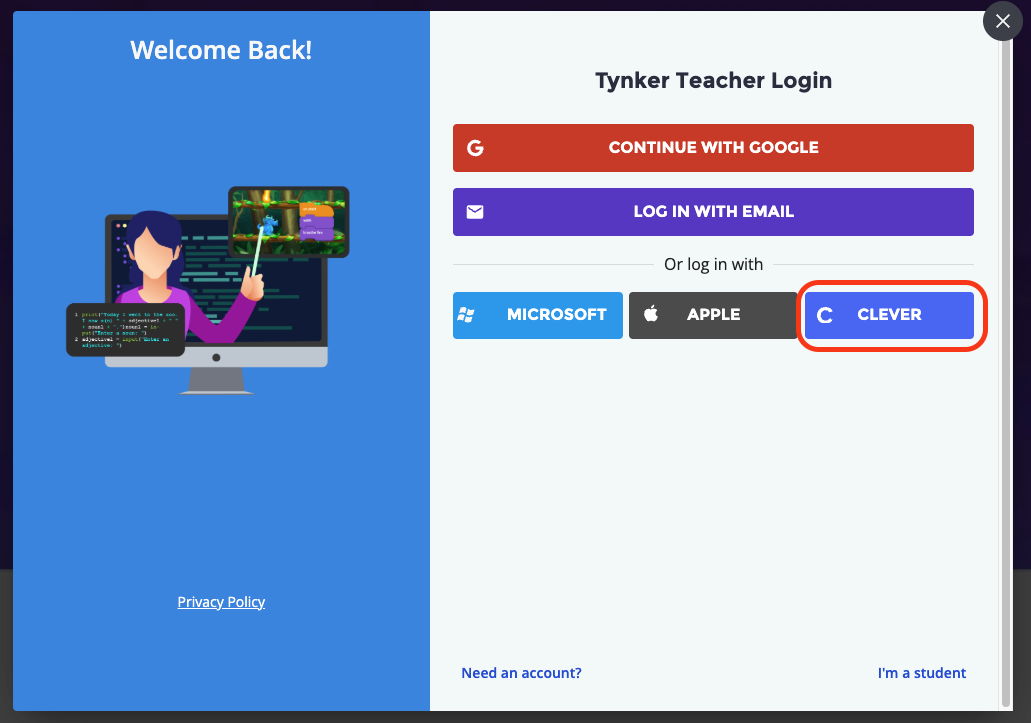
Once you click on the "Clever" Button, you will be redirected to the Clever login page. Please log in with your teacher Clever credentials, using the QR code or the Clever Password:
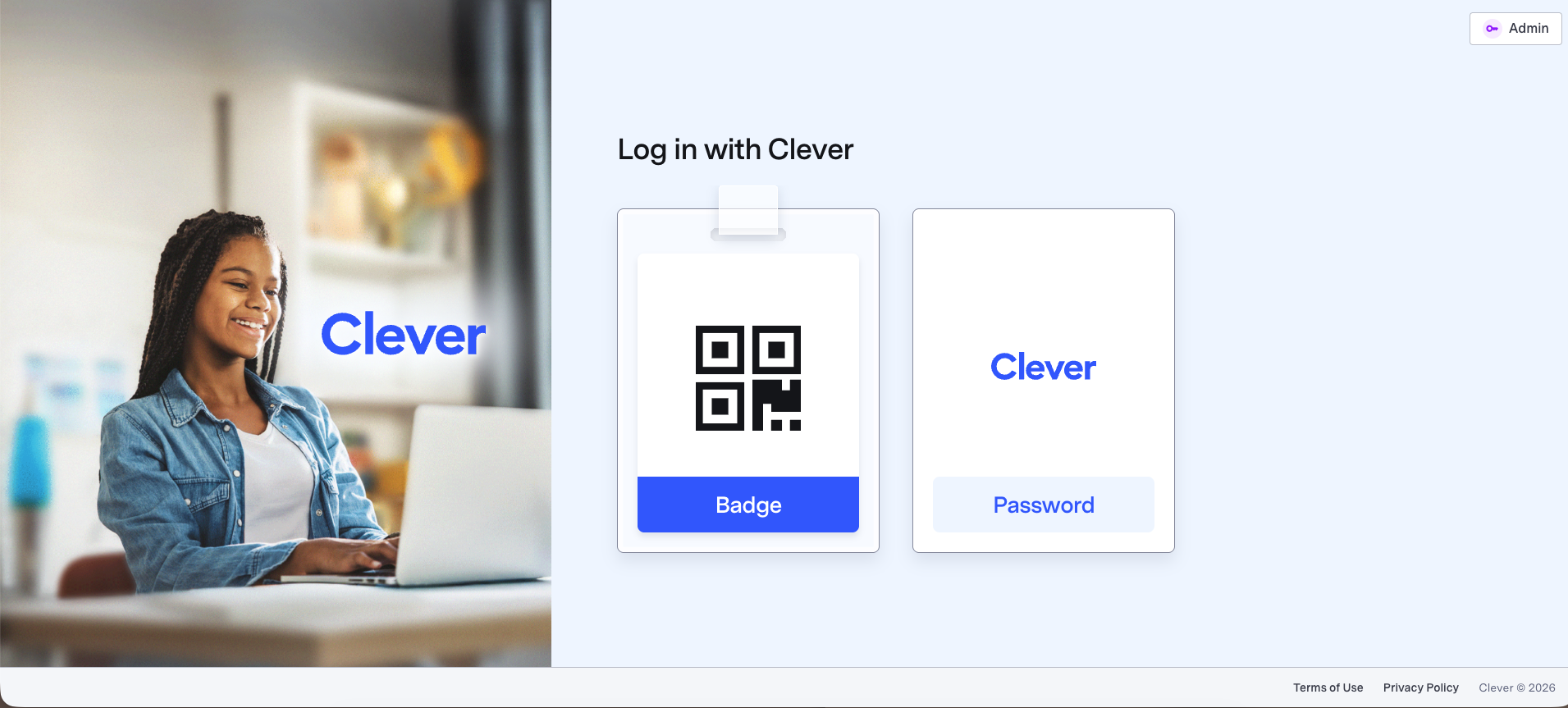
Once you log in, you will be redirected to your Tynker Teacher Dashboard.
Note: If you require access to a Premium Tynker license, please reach out to your District Admin or contact us at schools@tynker.com.
Next Step:
Now that your teacher account has been created, continue to: