
Step 1: Create your Teacher Account
Edited
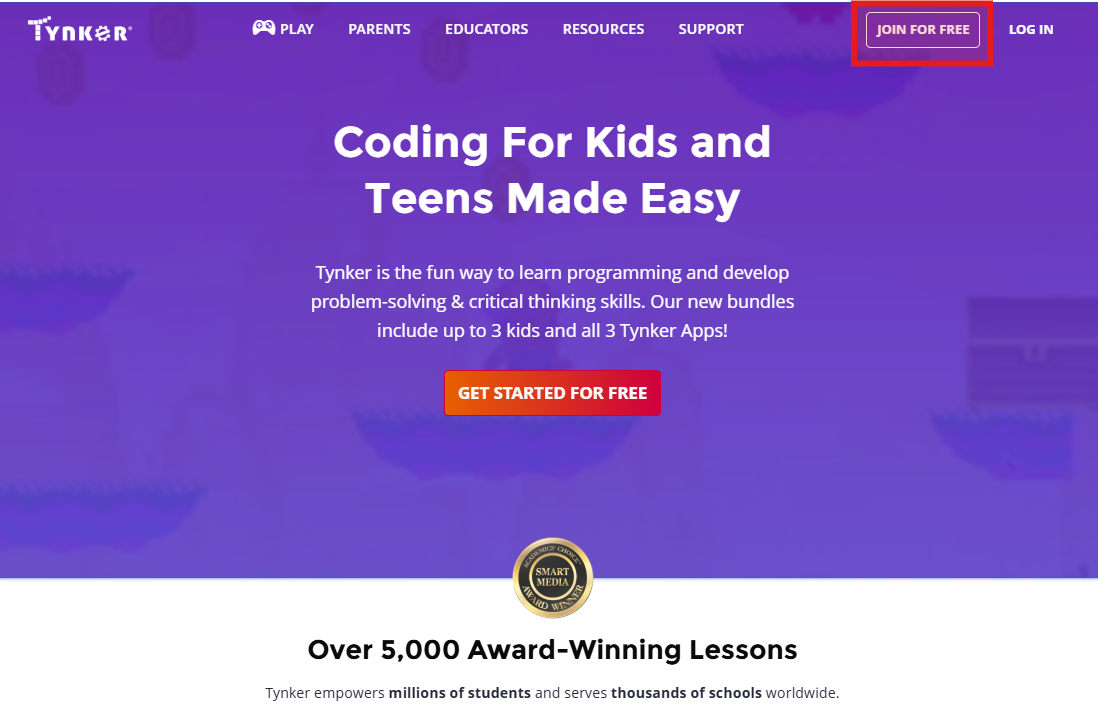
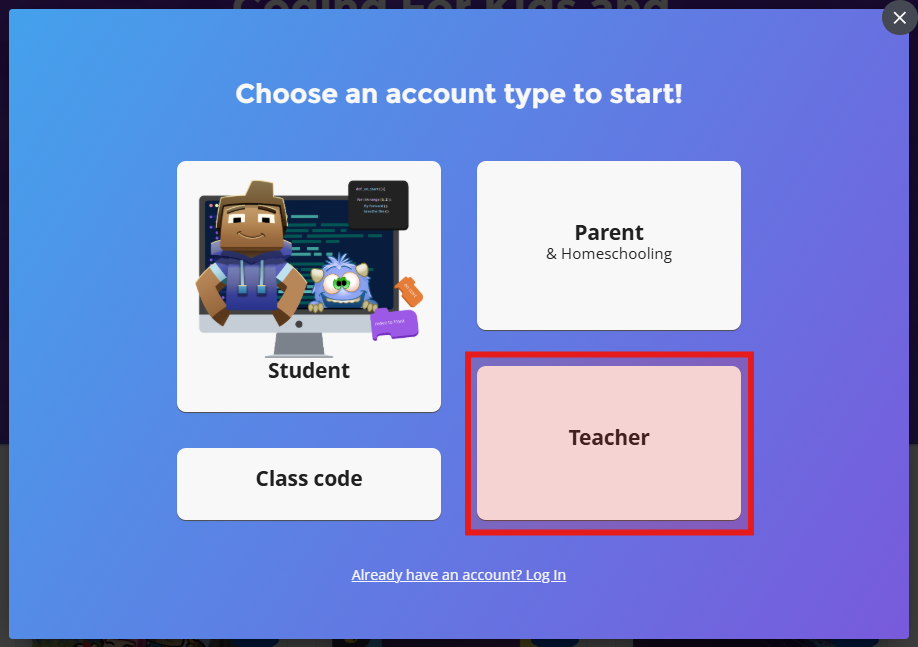
1️⃣ Go to www.tynker.com and click the Join For Free button and select "Teacher".
2️⃣ To create a new Teacher account, click the “Continue with Google” button and sign in using the same Google credentials provided by your school.
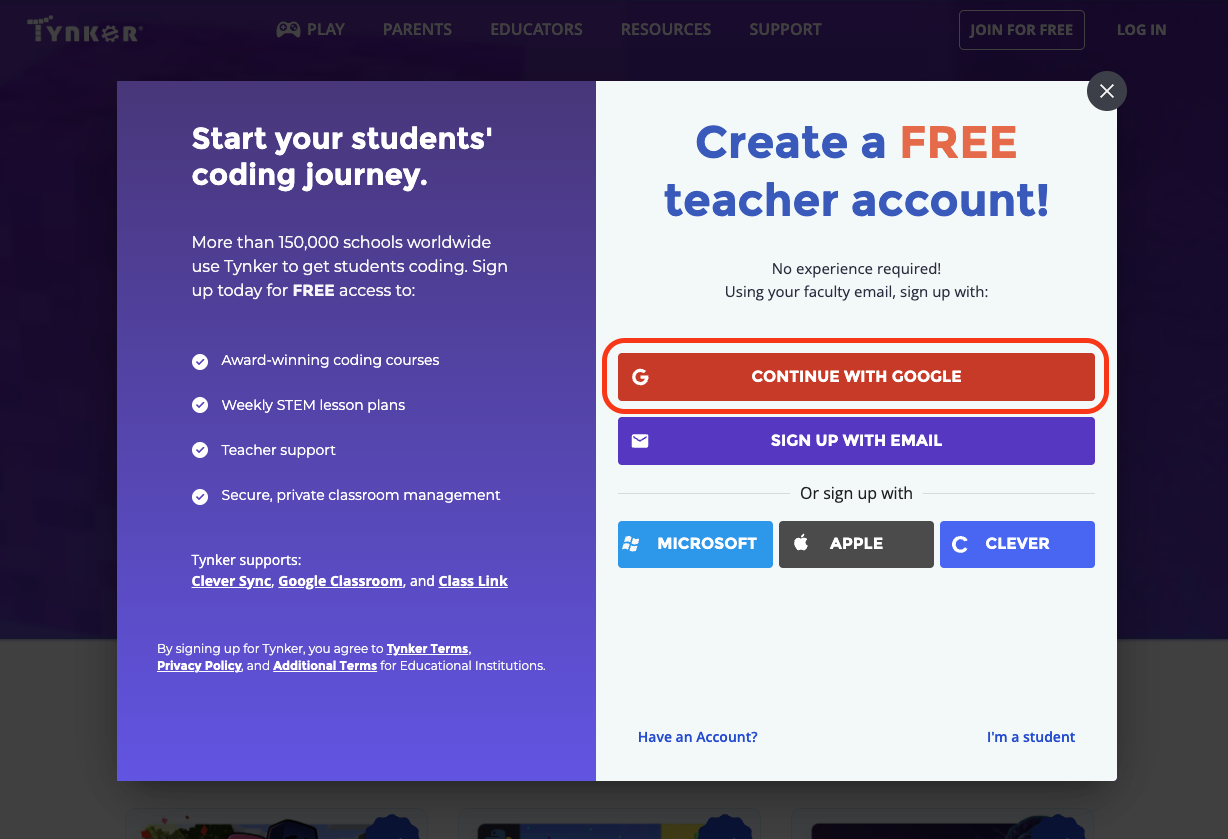
Once you have created your Tynker teacher account using your School Google email, you should be able to start using Tynker from your dashboard.
To request access to the school licenses
If you require access to a Premium Tynker license, please reach out to your District Admin or contact us at schools@tynker.com.
Next Step:
Now that your teacher account has been created, continue to: